Build mobile
applications in days
Create beautifully designed, highly maintainable applications from design through development.
Need help? Book a 1:1 demo
Design it, build it,
test it, ship it.
Whether it's a website, mobile app, browser extension, automation, etc. CodeYam supports most modern languages (more coming soon).
Design Assistance
Tell CodeYam what you want to build, and it will offer a range of customizable design systems to choose from and to start building with.
Live Simulations
As AI writes your code, it simultaneously generates the data to run it, so you can see exactly how it behaves before you ship.
Structured Workflows
A rigorous multi-step process that walks the AI through building, testing, and simulating your code, step by step.
Built with CodeYam
Try CodeYam by opening any of these Open Source projects.
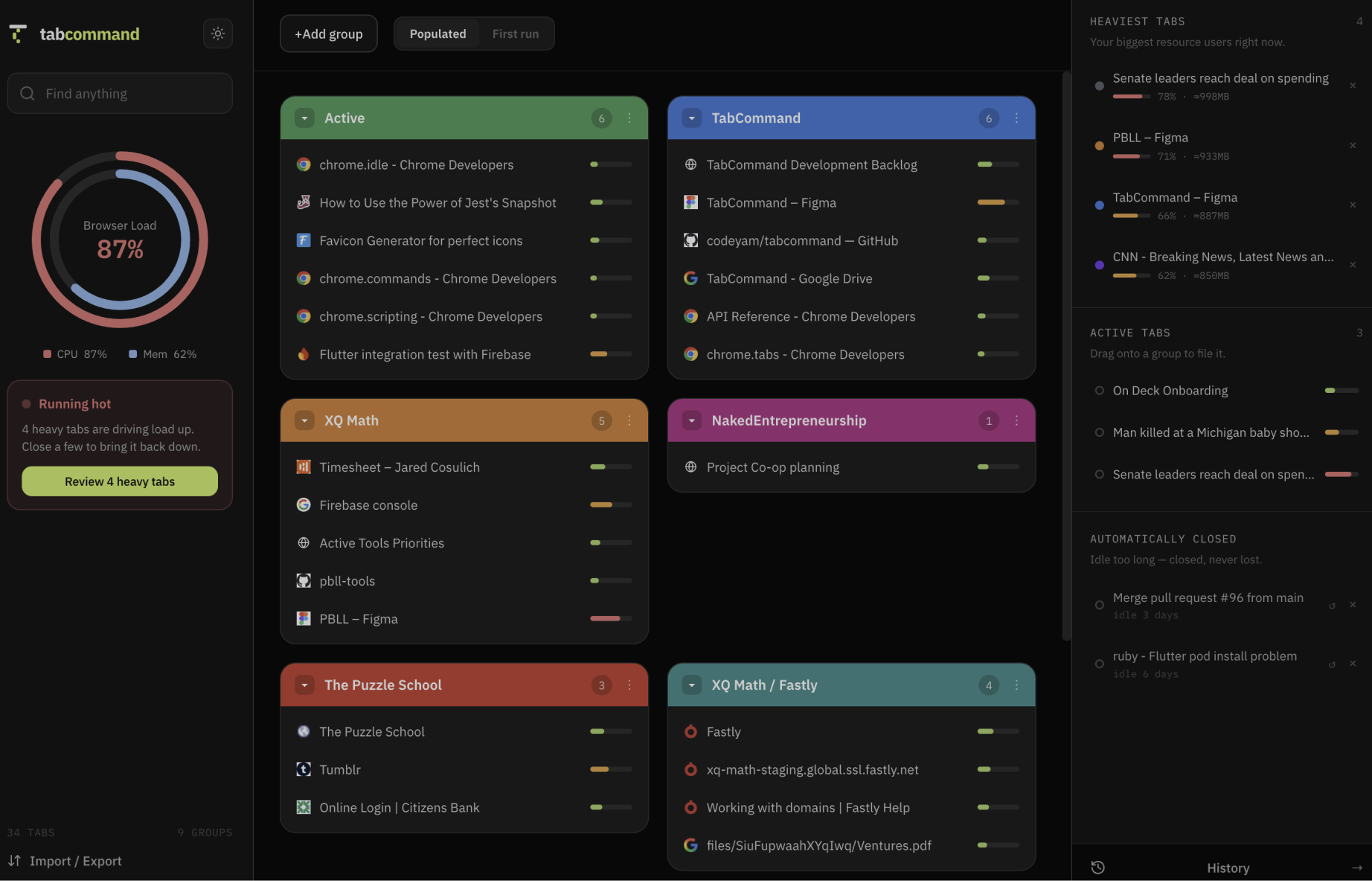
TabCommand
|Chrome extensionA tab-management workspace that lets you organize browser tabs into named groups.
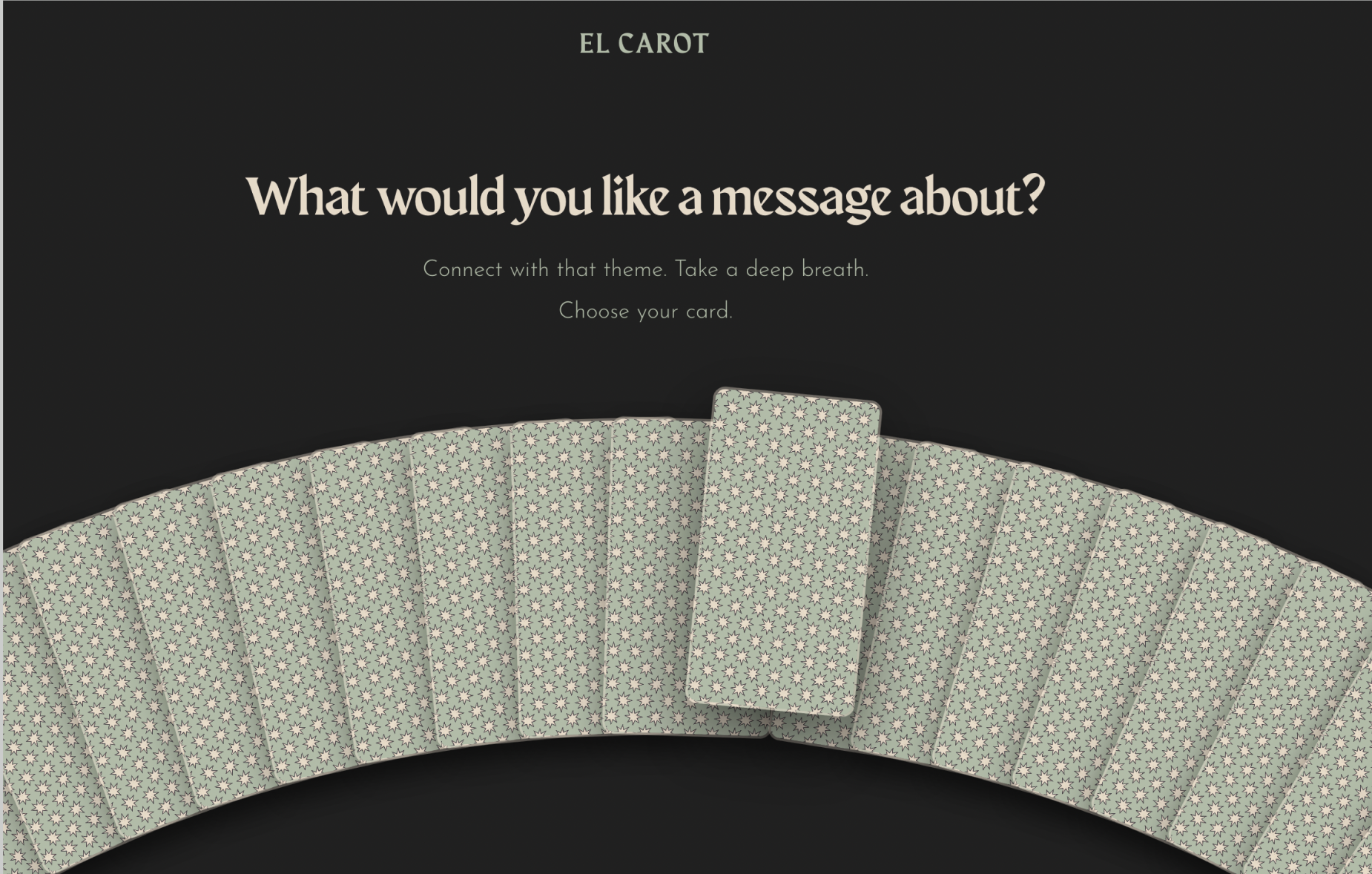
El Carot
|Web AppAI powered tarot readings, in a special and unique deck named El Carot.
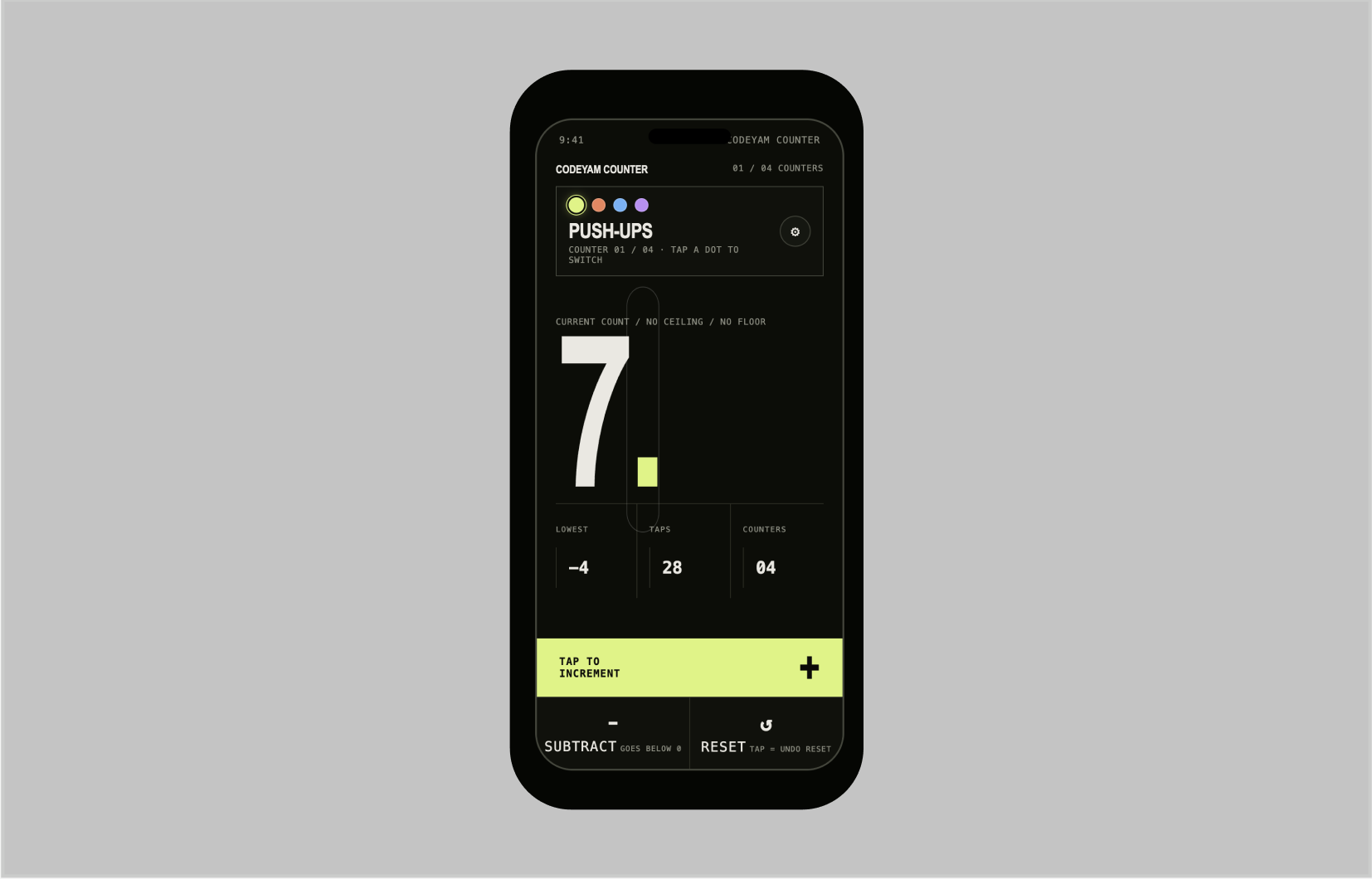
CodeYam Counter
|Mobile AppA minimalist multi-counter for reps, sets, and anything you count.
Services
Let's build your next product.
We help companies and founders design, build, and scale high-quality software, from validating new ideas to shipping production systems.
Free
Self-serve
Start building on your own
Install the CLI or the MCPB Desktop Extension for Claude and start building right away. Full access to the Editor, simulations, and the multi-step workflow. No account, no seat limits, no time limit.
Contact us
Guided onboarding
We help you get set up
We'll walk you or your team through installing the CLI and setting up your first workflows, so you're building with CodeYam quickly and correctly.
Contact us
Built for you
We build custom software for you
Tell us what you want to ship. Our team builds it with CodeYam, code and simulations side by side, and hands it off working, tested, and ready to run.