CodeYam Counter
A minimalist multi-counter for reps, sets and anything you count, native on iOS and Android.
The brief
A minimalist multi-counter for reps, sets, and anything I count. Native on iOS and Android.
What it is
What CodeYam Counter does
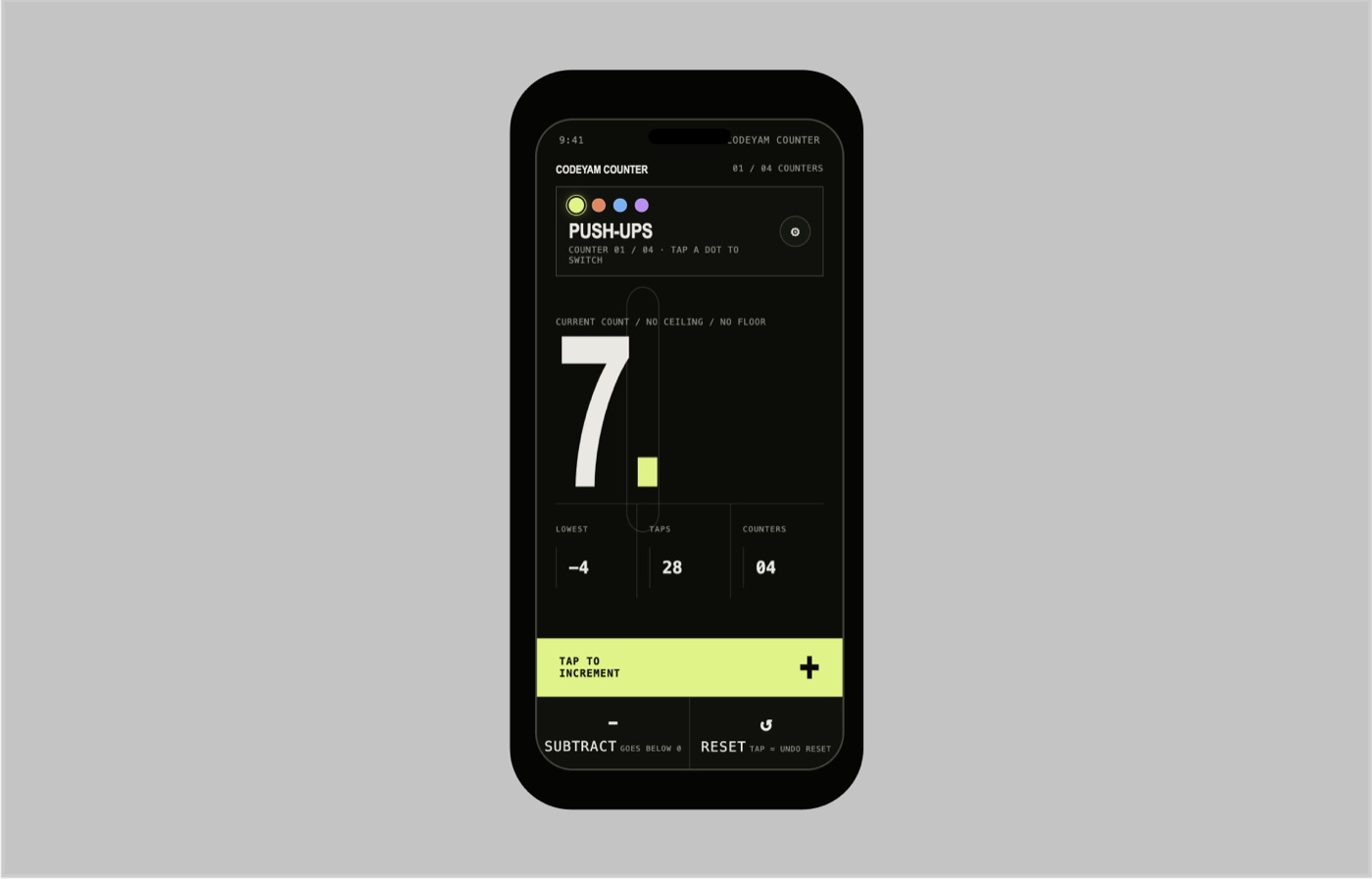
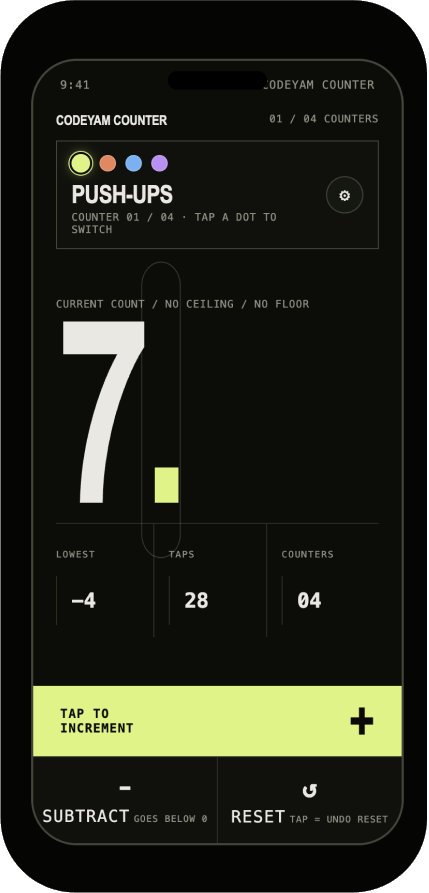
Counter does one thing, and makes it fast to do with one thumb. One huge number fills the screen, and a lime bar along the bottom is the tap target: tap anywhere on it to add one.
You can keep up to four counters (push-ups, sets, cups of coffee) and switch between them with four color dots. Counts have no ceiling and no floor, so subtract keeps going below zero, and a reset can always be undone with one more tap. Small stats under the number show the lowest count, the total taps and how many counters you have.
Mobile apps need checking on more than one device. CodeYam previewed every scenario at phone size and verified each one on iPhone and Pixel before the builds were made.
Scenarios
On the phone
Each scenario is a saved state of the app with its own data. You can open any of them in the editor, and they run again as tests whenever the code changes.
More built with CodeYam
Other apps made the same way
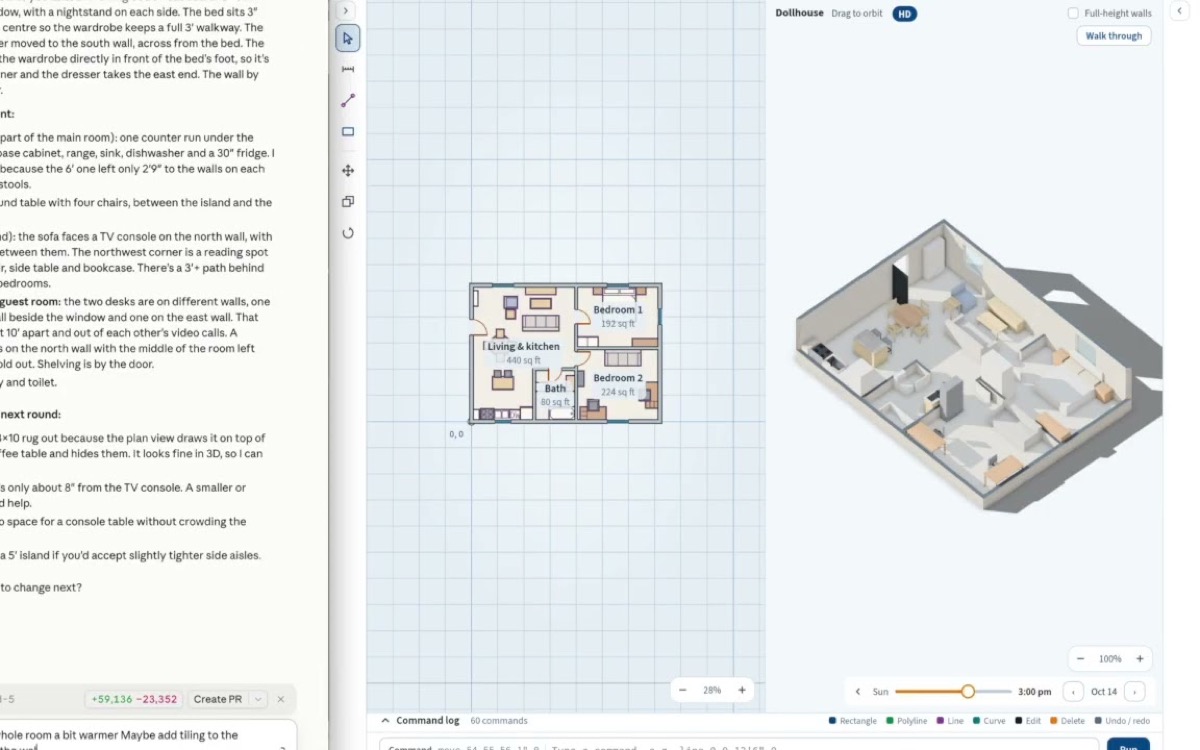
Plan rooms and floor plans in 2D and 3D by chatting with AI.
Read more →
Tarot readings in Spanish and English, with an original deck called El Carot.
Read more →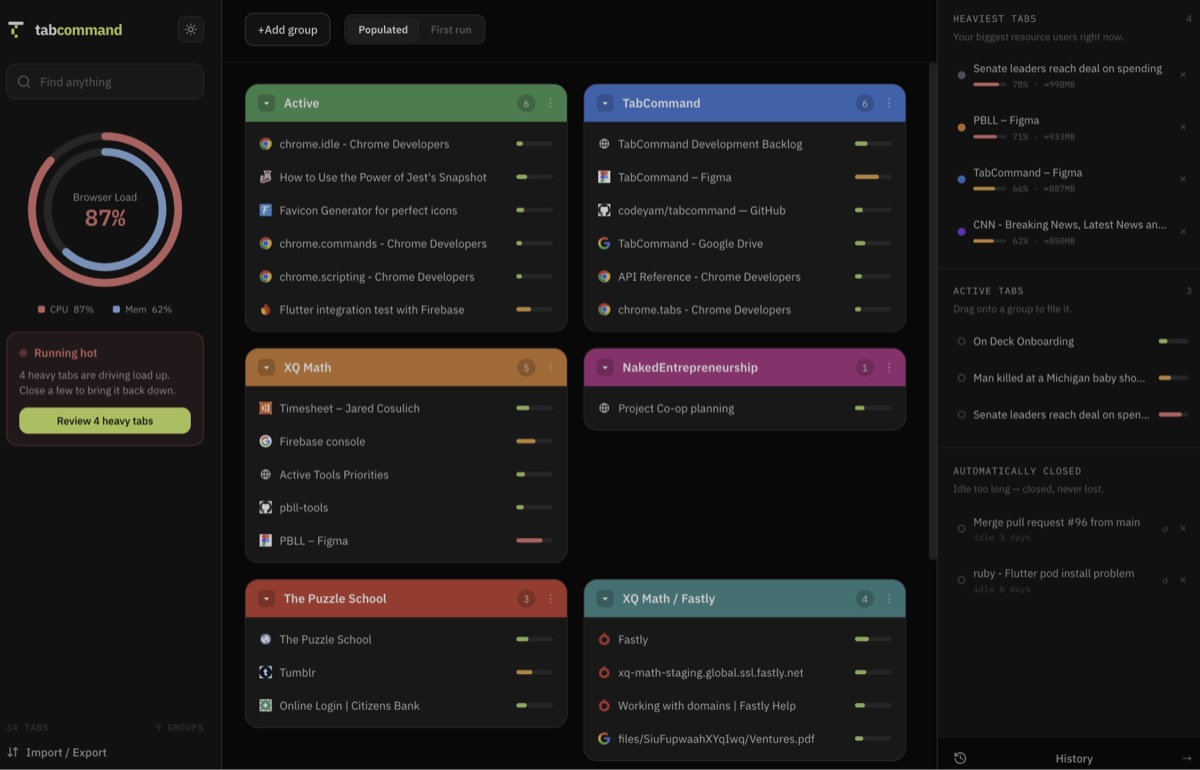
Organizes your open tabs into named groups you can save, search and reopen.
Read more →
Free, friendly lessons on building your own software with AI.
Open the Academy →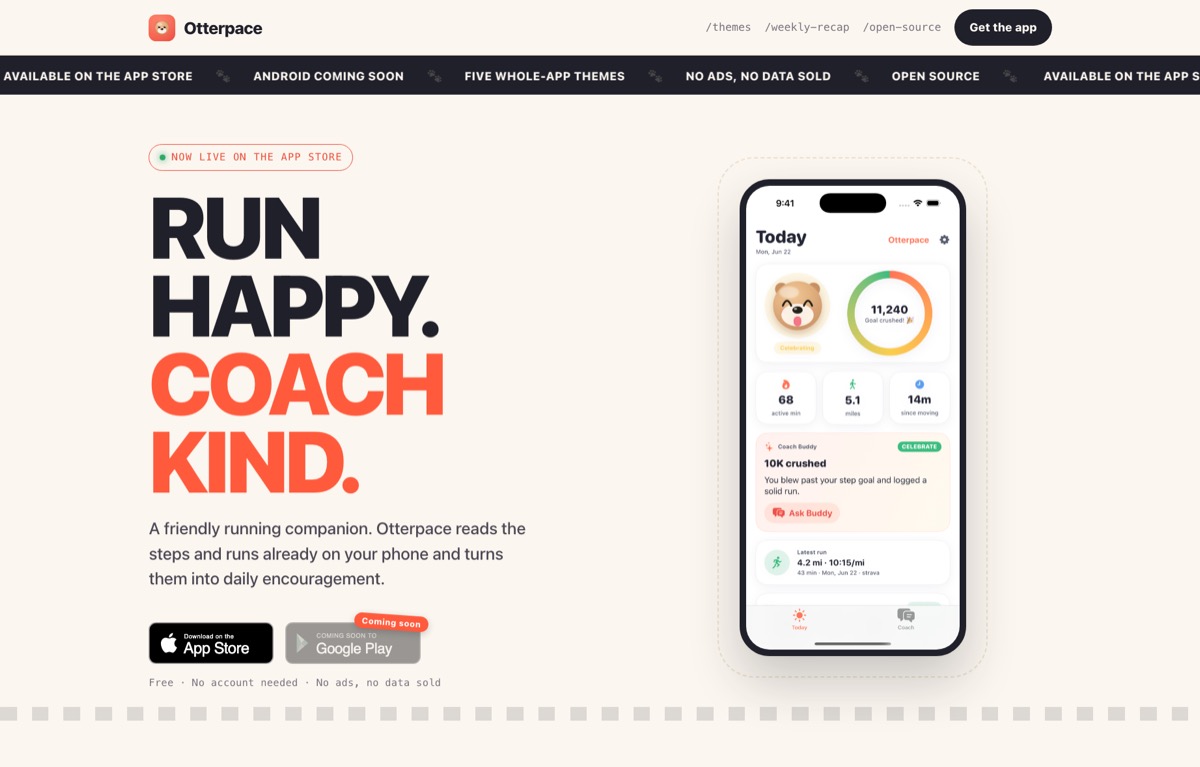
An iPhone running coach that plans your runs and keeps you motivated.
Visit the website ↗Install CodeYam for free and start building
No terminal needed. One extension adds CodeYam to Claude.
- Get the Claude Desktop app
For Mac or Windows. Already have it? Skip this.
Download Claude Desktop ↗ - Download the CodeYam extension
One file for Mac, Windows and Linux.
Download the extension ↓ - Install it in Claude
Double-click the file and click Install.
- Start a new chat and type “Open CodeYam”
The editor opens in your browser, with a live preview.
Open CodeYam↑ - Describe your app
Plain words are enough. CodeYam takes it from there.
Try CodeYam in your browser
Free, nothing to install, ready in a few minutes.
Launch in GitHub Codespaces ↗ Needs a free GitHub account- 1Click Create codespace
- 2Wait while it sets itself up
- 3Open CodeYam when the terminal says it’s ready
We build it for you
Rather not build it yourself? Our team designs and builds your app with CodeYam, start to finish.
See our services → Or write to us at hello@codeyam.com- 1Tell us what you need
- 2We design it with you
- 3We build, test and ship it