How I built El Carot
I made a tarot deck as a side project. People loved it, but they could only read it when I was around. So I turned it into an app, and ended up building it myself.
Where it started
A deck I always had to carry
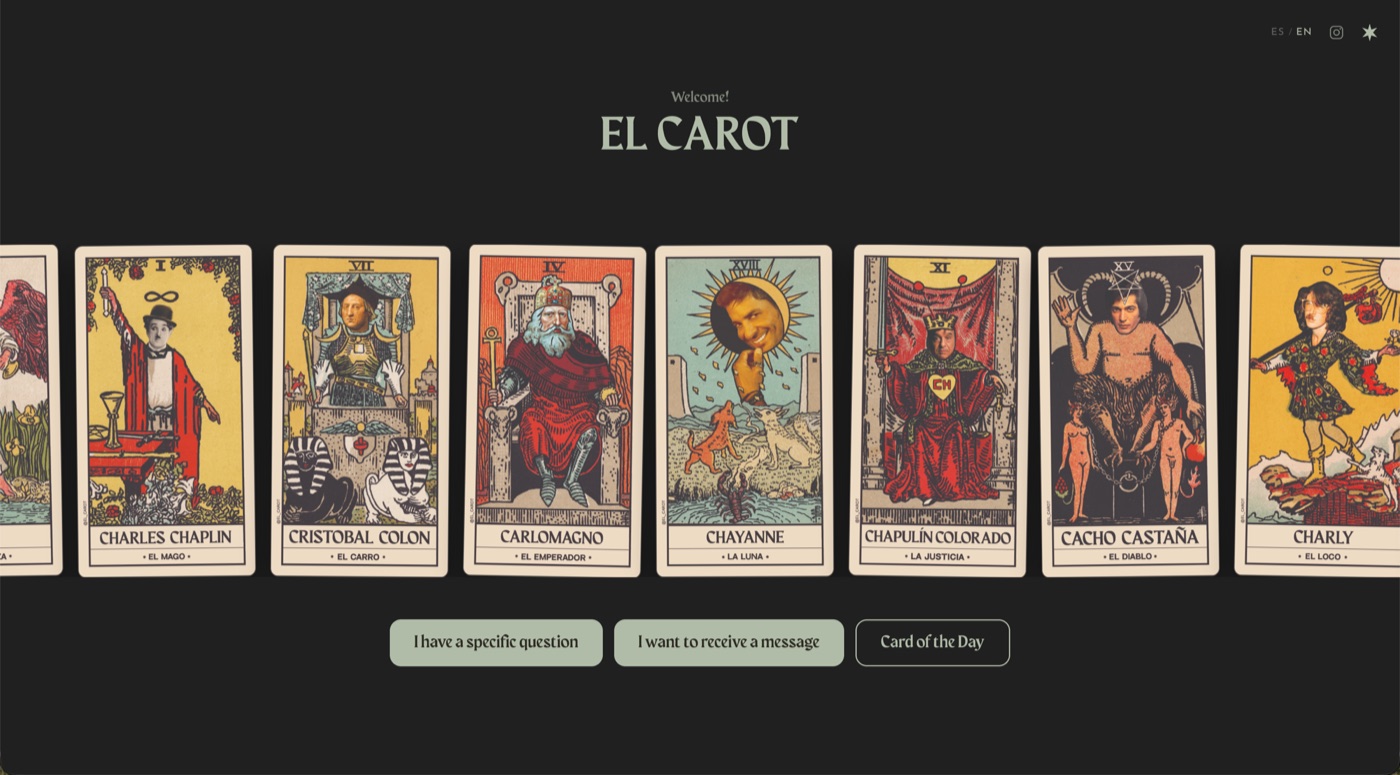
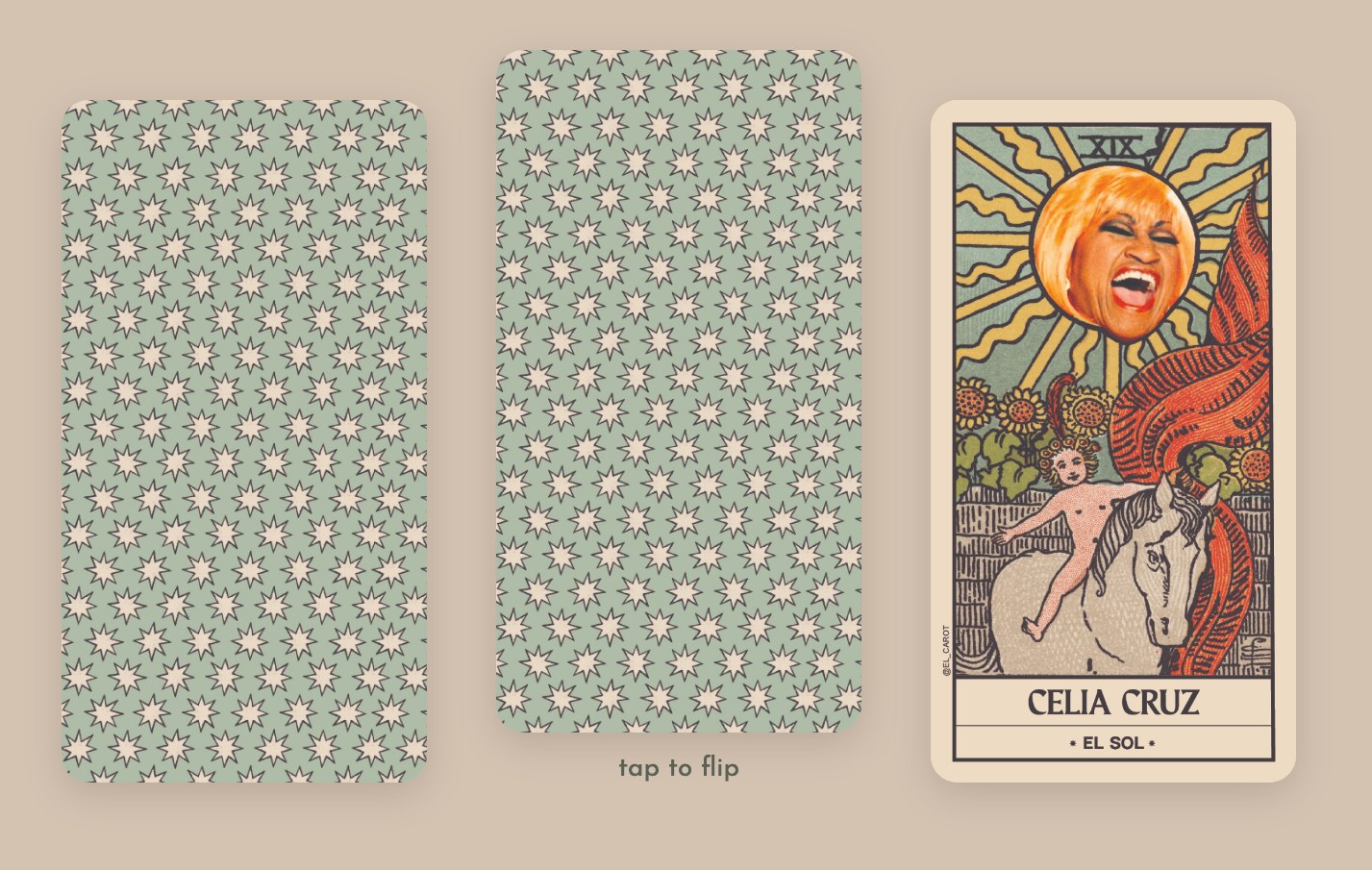
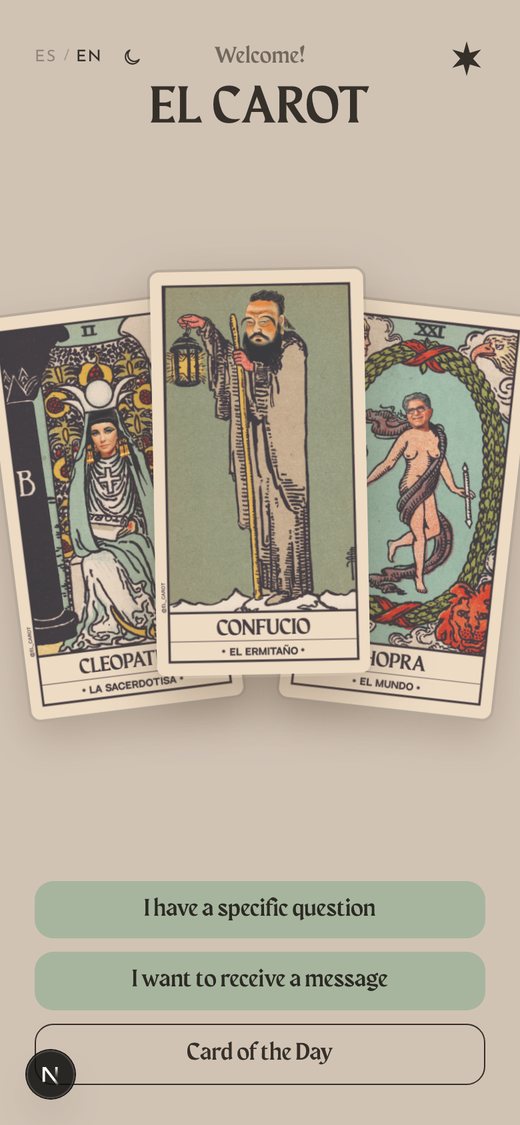
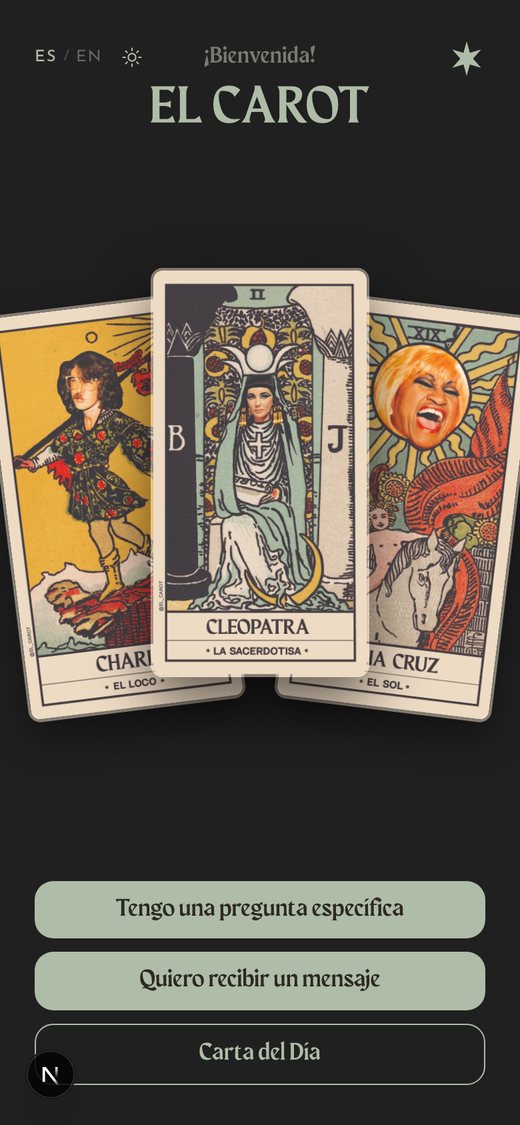
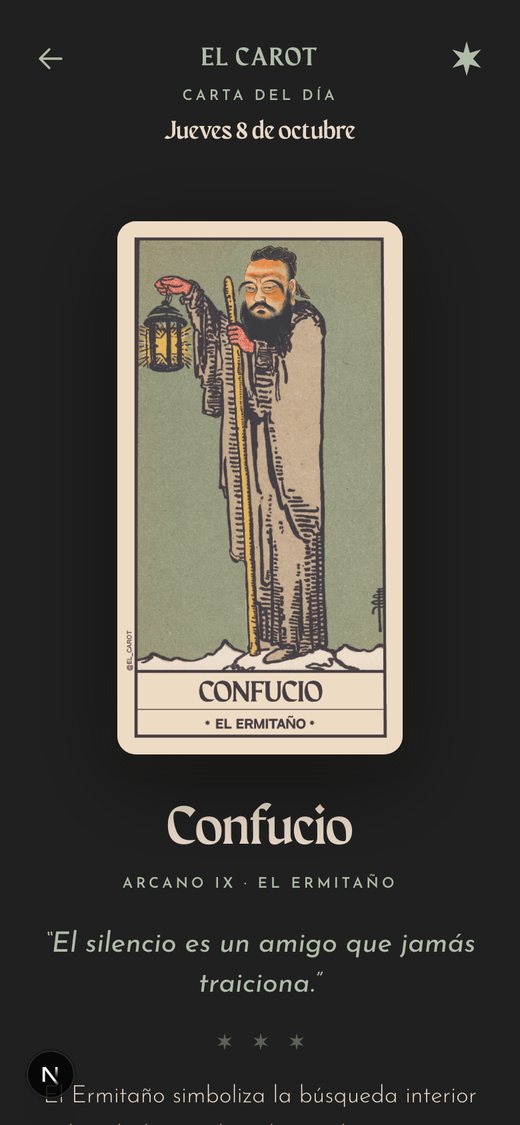
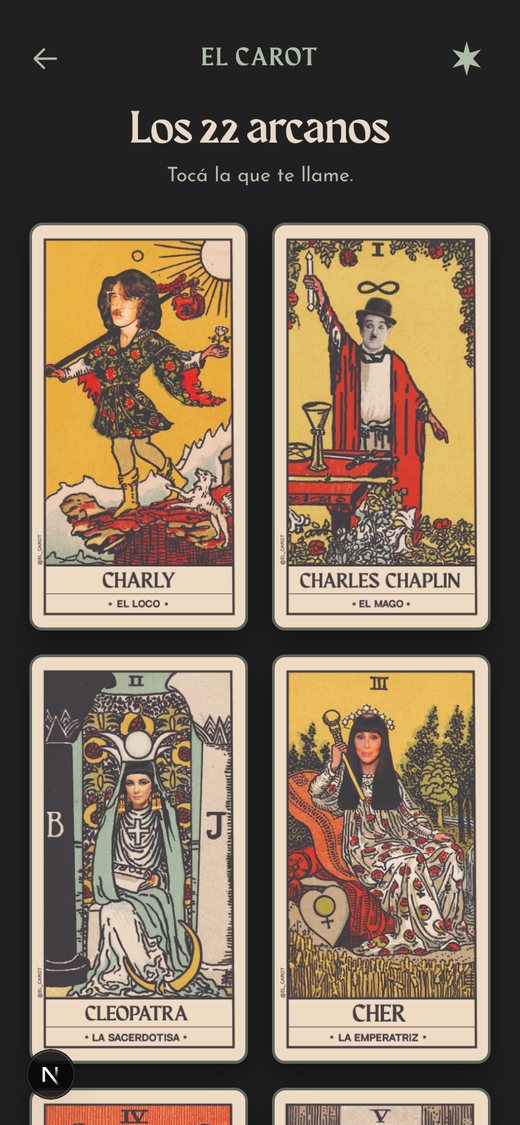
A few years ago I made El Carot, a tarot deck built from collages, as a personal project. It has the 22 major arcana, and every one of them is a character people recognize from everyday life. The Fool is Charly. The Chariot is Christopher Columbus. Death is Scarface.
People have a lot of fun with it. Someone pulls a card, sees who is on it, laughs, and then actually reads what it means. But there was one problem: the deck only existed when I had it with me. No deck, no reading.
So I wanted an app. Something anyone could open on their phone to pull a card, without depending on me.
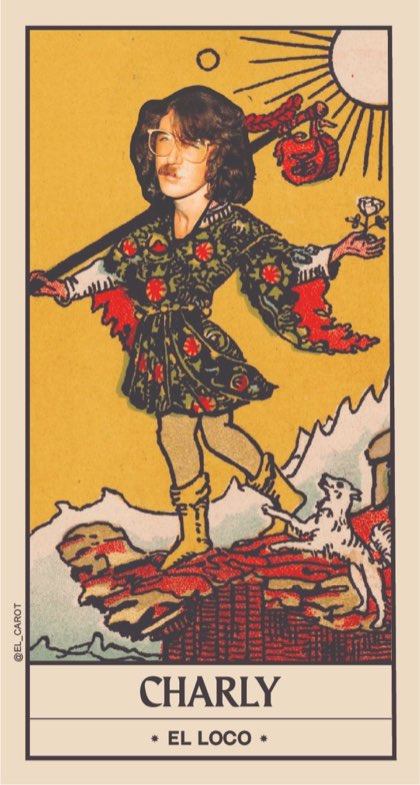
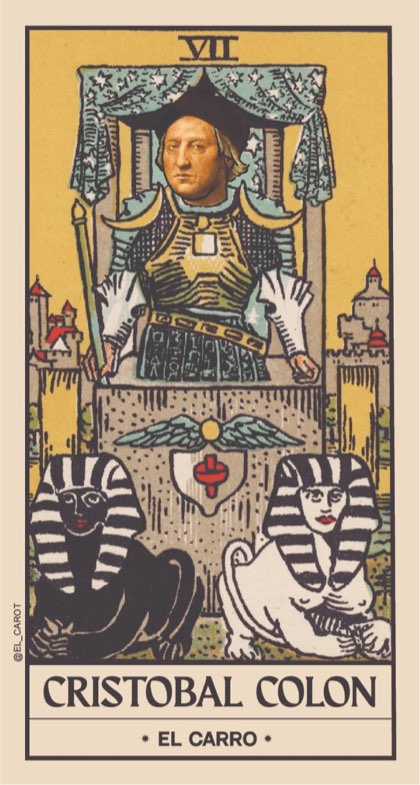
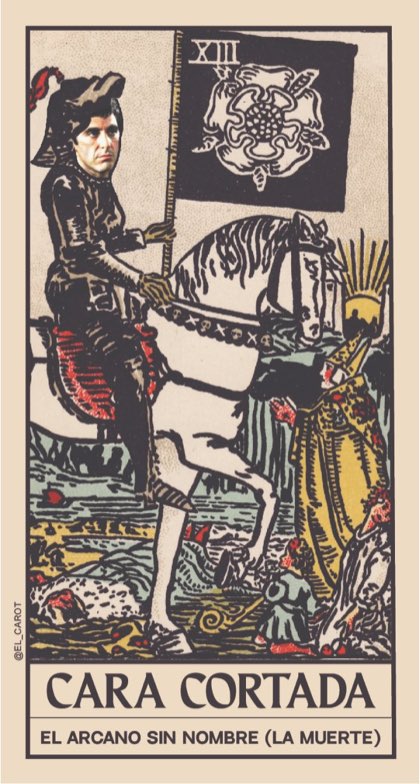

- Version 1My brother's siteThe cards fly by. You tap, one stays.
- Version 2The meaningsWritten with ChatGPT, loaded with Claude.
- Version 3CodeYamThe whole app, designed and built by me.
Version 1
My brother – the developer – version
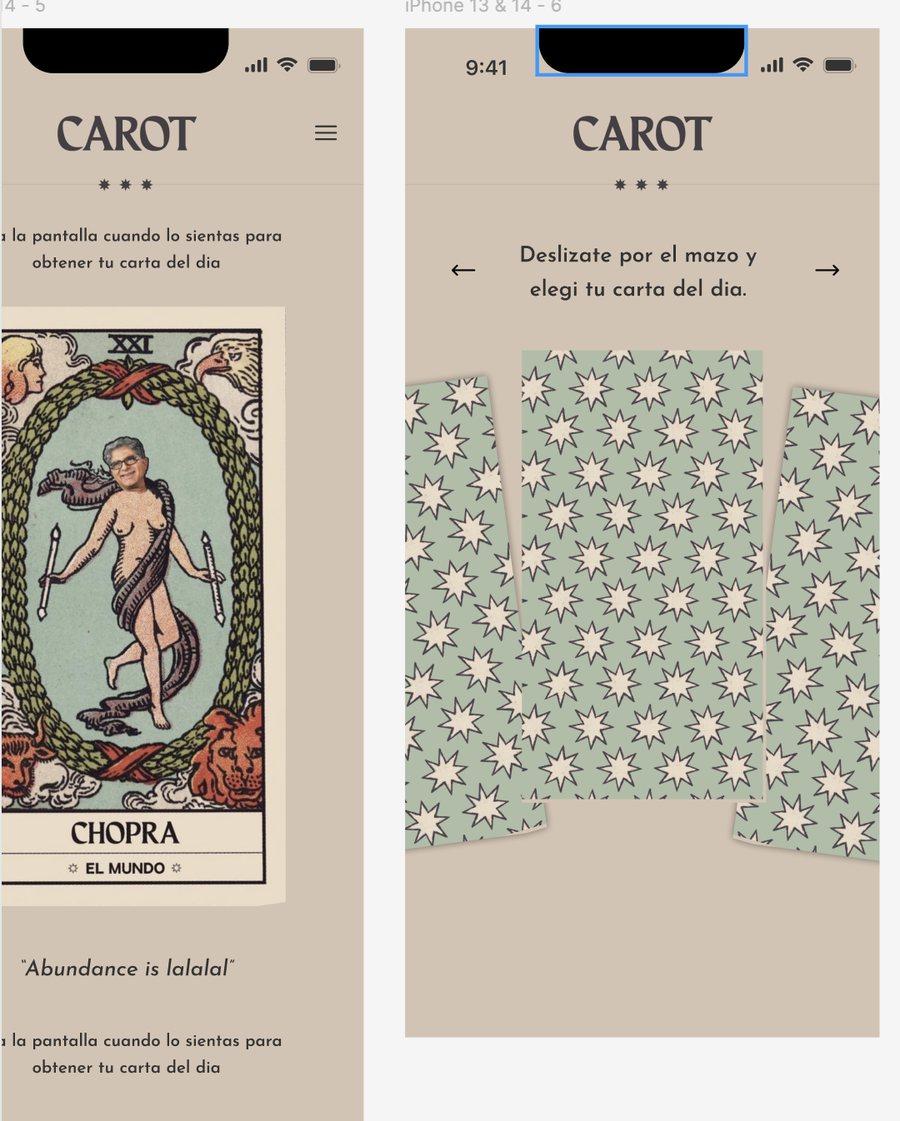
I'm a designer, and I didn't know how to code. So the first version was made by my brother, who is a developer. It was very simple: all the cards flashed past on the screen, really fast, and when you tapped, the deck stopped and showed you one card.
There were no meanings, no text, nothing to read. But it already solved the main thing: people could pull a card without me.
The hard part was changing it. Every time I wanted something different, I had to ask my brother. It took his time and mine, and every small change was a lot of effort.
Version 2
Writing the meanings, and loading them myself
A card without its meaning is only half a reading. So I sat down and wrote a meaning for each of the 22 cards, with ChatGPT helping me shape the texts.
Then came the part I had never done: getting them into the site. This time I did it myself, with a friend sitting next to me showing me how to ask Claude for things. Not writing code, just asking the right questions and checking what came back.
Shout out to Andy Osinski, who sat next to me and showed me how to ask.
That was the first time I changed a website with my own hands. It was small, but it changed how I thought about what I could build.
Version 3
Building the whole thing myself, with CodeYam
A few months later I started using CodeYam, and El Carot was the first project I made with it. I wanted to see if I could build the full app on my own: not just add text to someone else's site, but design and make every screen.
This is the first message I wrote:
The brief
I want a tarot reading web app with our own deck, El Carot. Ask a question, get a message, or pull a card of the day, in Spanish and English.
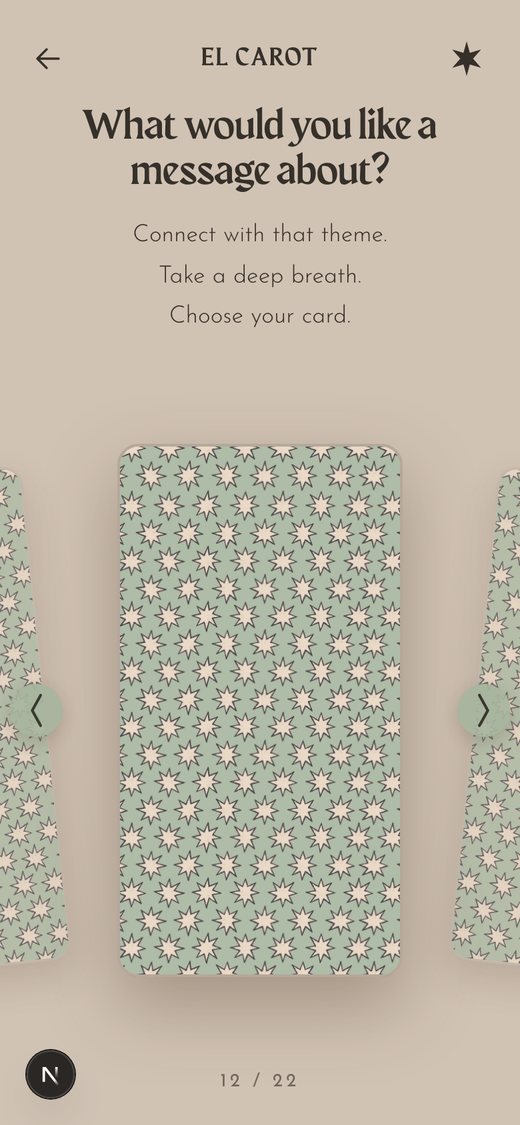
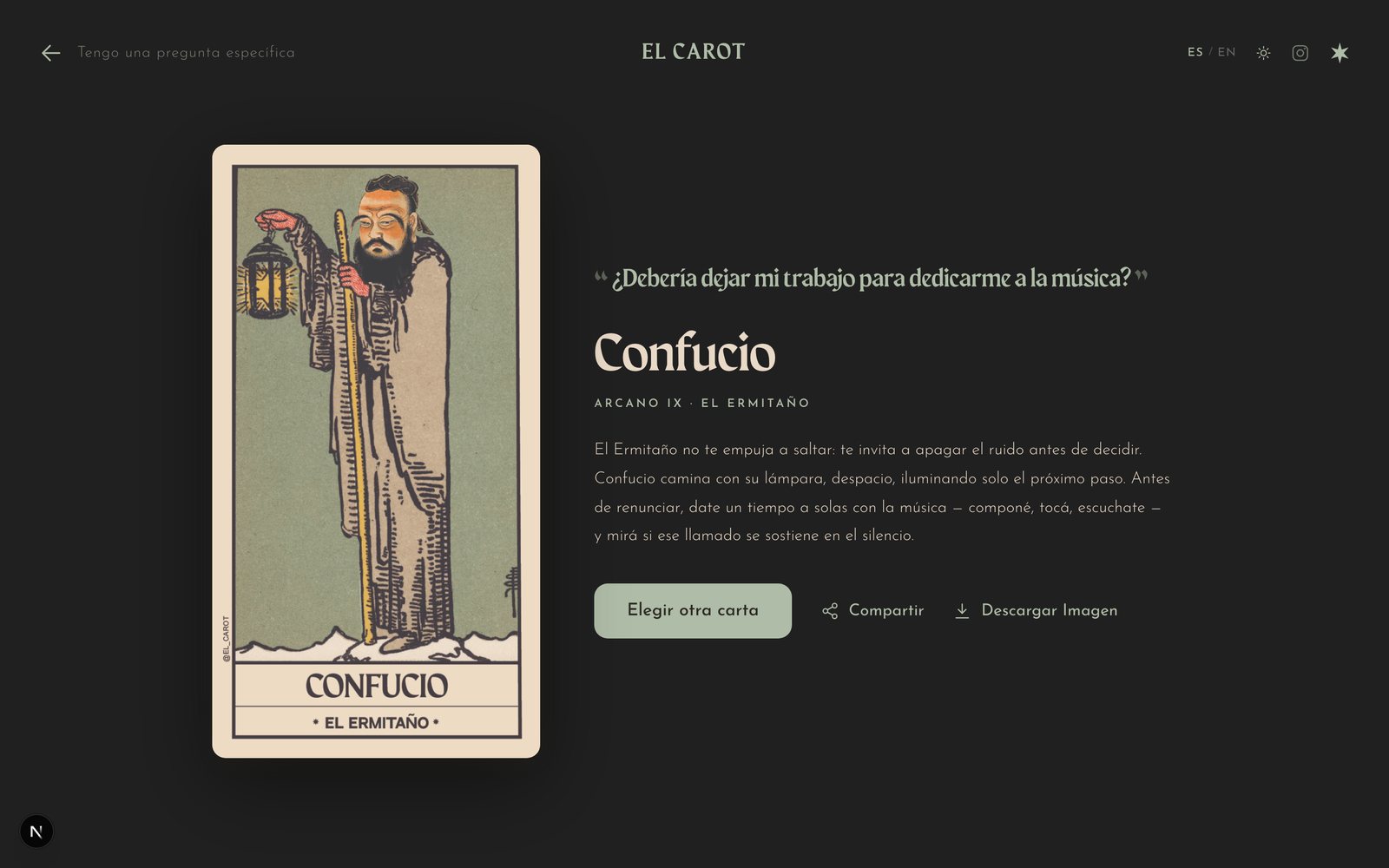
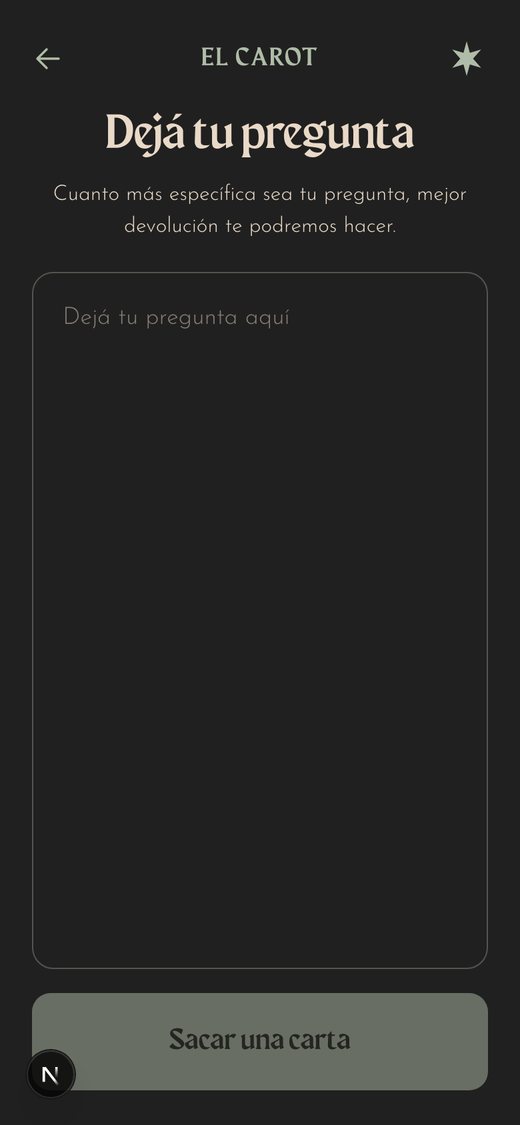
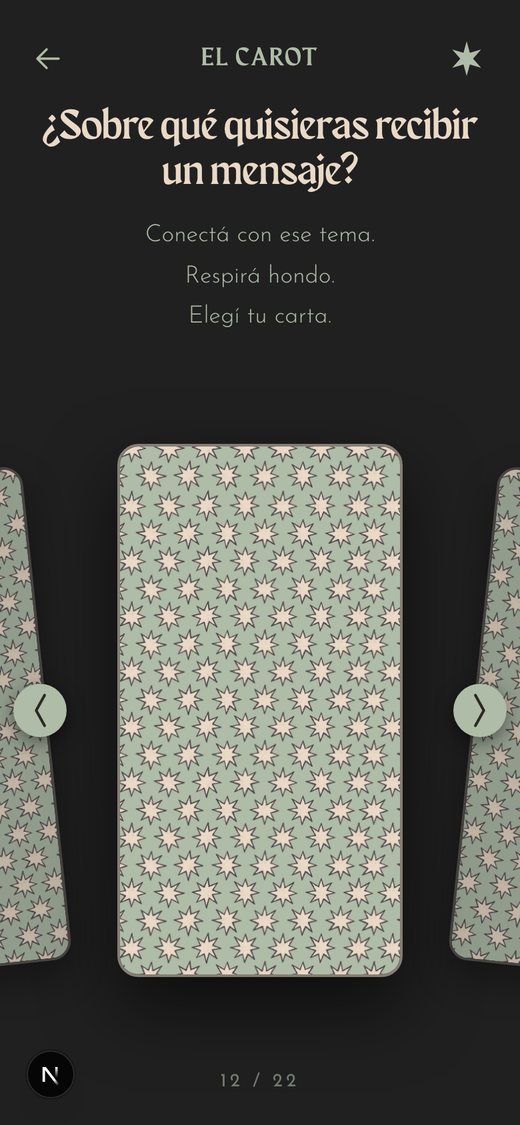
Now El Carot is a calm, bilingual tarot app. You can ask a question and get the card that answers it, ask for a message with no question at all, or pull the card of the day. Every card, title and reading exists in Spanish and English, and switching language never loses your reading.
There are no accounts. It is a short ritual that works on your phone, which was the whole point.
How I designed it
I brought my own design. CodeYam kept it.
I always start by sketching in Figma. It gets a little chaotic, but that's part of the process. I took the frames I liked into Claude Design to prototype them and try little animations, and asked it to write a design system file with everything I needed. That file is what I brought to CodeYam.
I brought my design system
Colors, two fonts, six components and all 22 cards, in a single file made from my Figma frames.

- Charcoal
#333333 - Cream
#e9d9c7 - Sage light
#afbca7 - Sage
#9aa693 - Taupe
#d5c3b2 - Ink
#353029 - Red
#b2402e - Ochre
#d4a23a
CodeYam built the app on top of it
It turned the handoff into real, tested components and used its exact colors, fonts and spacing on every screen. Nothing was redrawn from scratch.
And I kept shaping it with screenshots
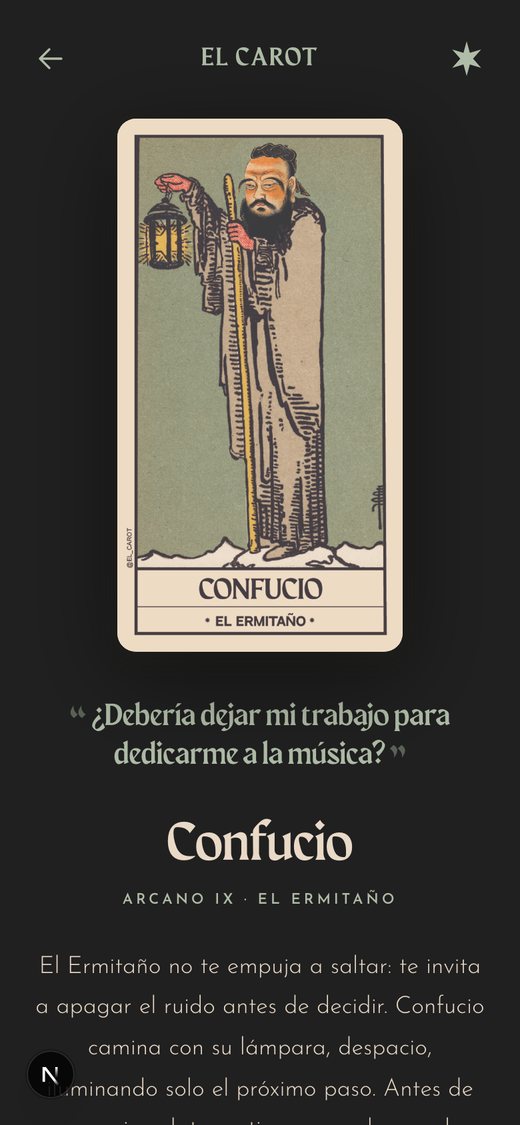
When I wanted a light version, I pasted a picture of the idea into the chat. CodeYam built the light mode to match, and it remembers your choice.
Scenarios
The app, screen by screen
Each scenario is a saved state of the app with its own data. You can open any of them in the editor, and they run again as tests whenever the code changes.
Looking back
Each version needed a little less help
First my brother built it for me. Then a friend sat next to me while I changed it. Then I built the whole app on my own, starting from the design I already had in Figma.
Now, when I don't have the deck with me, I don't need it. Anyone can open elcarot.com and pull a card.
More built with CodeYam
Other apps made the same way
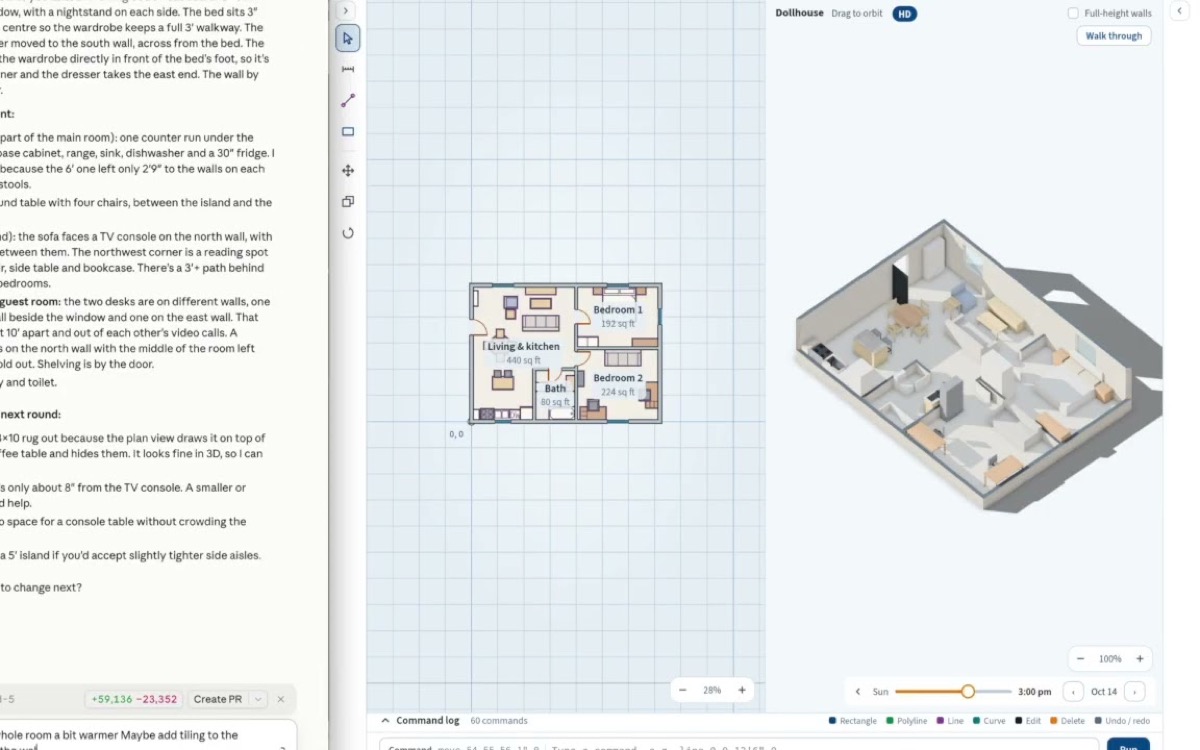
Plan rooms and floor plans in 2D and 3D by chatting with AI.
Read more →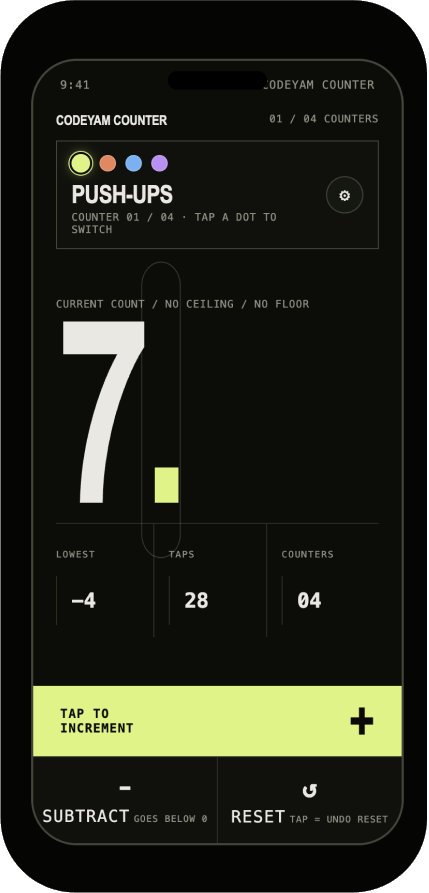
A minimalist multi-counter for reps, sets and anything you count.
Read more →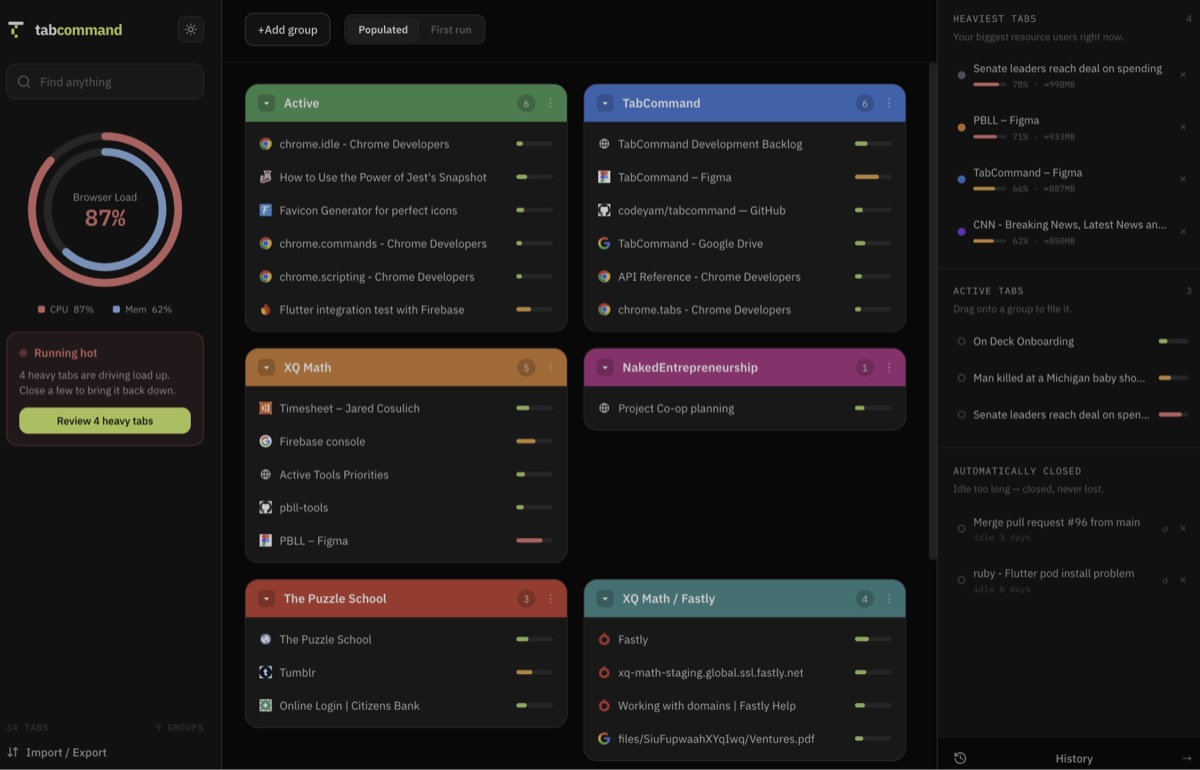
Organizes your open tabs into named groups you can save, search and reopen.
Read more →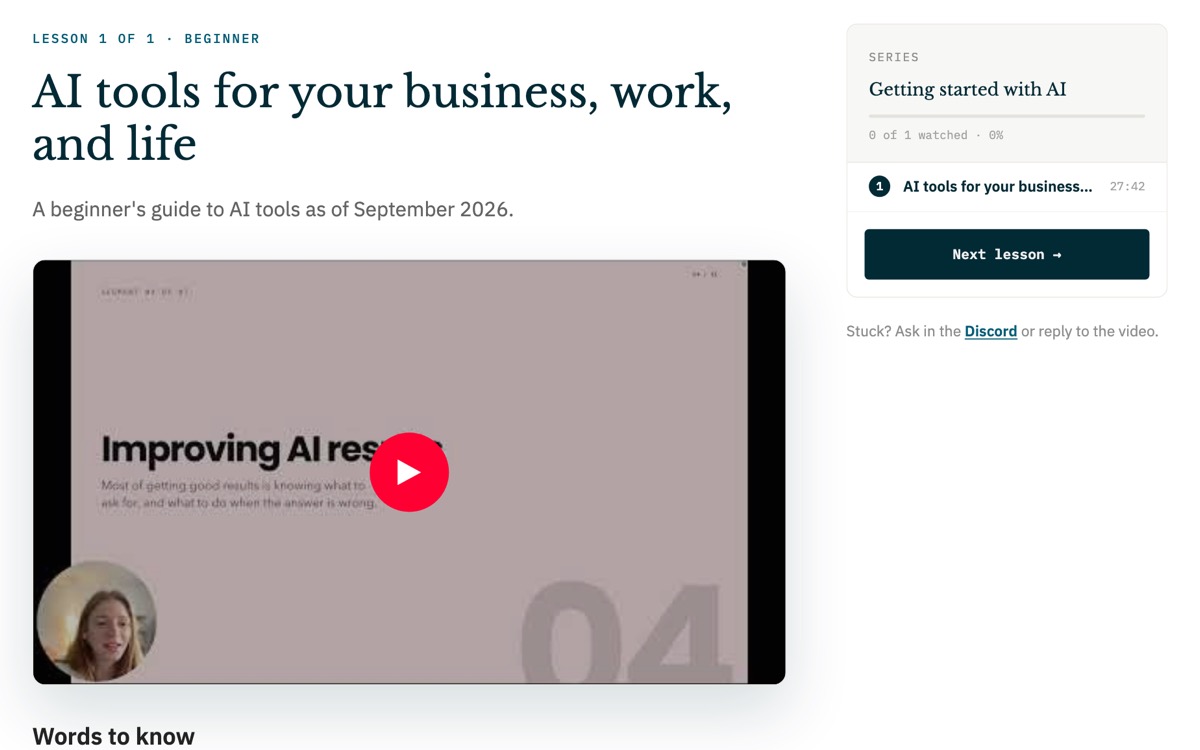
Free, friendly lessons on building your own software with AI.
Open the Academy →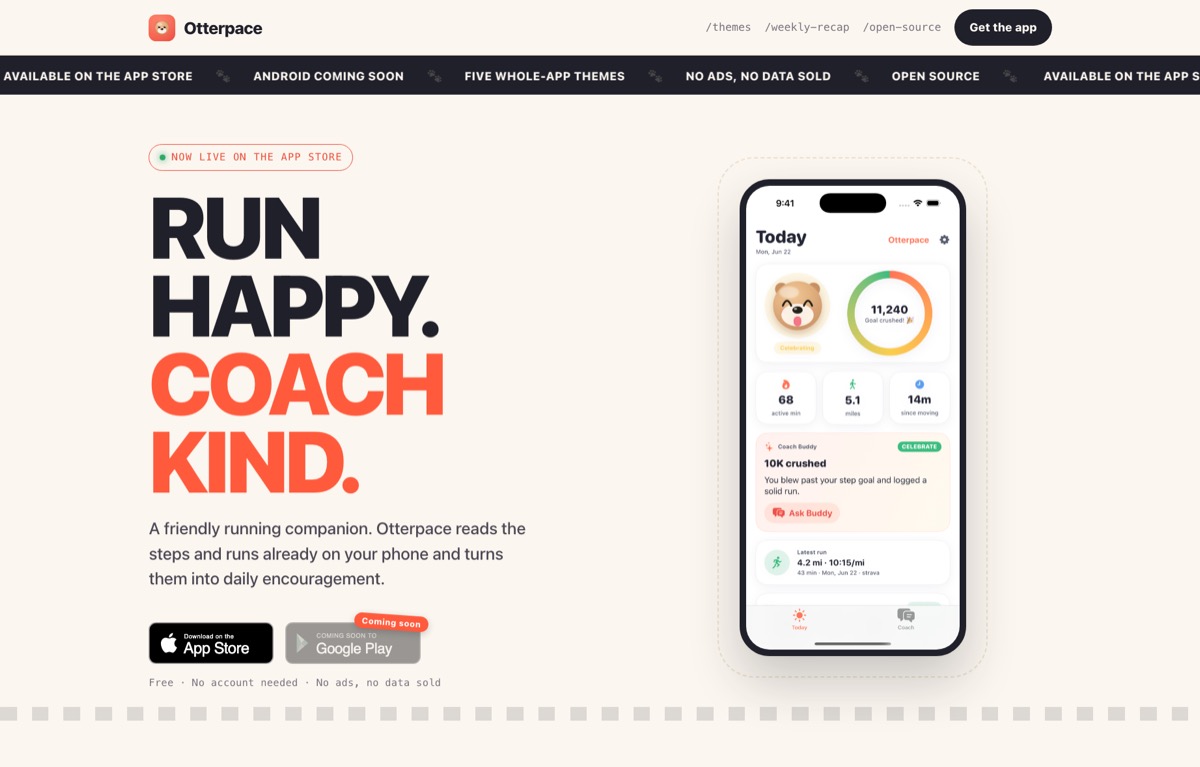
An iPhone running coach that plans your runs and keeps you motivated.
Visit the website ↗Install CodeYam for free and start building
No terminal needed. One extension adds CodeYam to Claude.
- Get the Claude Desktop app
For Mac or Windows. Already have it? Skip this.
Download Claude Desktop ↗ - Download the CodeYam extension
One file for Mac, Windows and Linux.
Download the extension ↓ - Install it in Claude
Double-click the file and click Install.
- Start a new chat and type “Open CodeYam”
The editor opens in your browser, with a live preview.
Open CodeYam↑ - Describe your app
Plain words are enough. CodeYam takes it from there.
Try CodeYam in your browser
Free, nothing to install, ready in a few minutes.
Launch in GitHub Codespaces ↗ Needs a free GitHub account- 1Click Create codespace
- 2Wait while it sets itself up
- 3Open CodeYam when the terminal says it’s ready
We build it for you
Rather not build it yourself? Our team designs and builds your app with CodeYam, start to finish.
See our services → Or write to us at hello@codeyam.com- 1Tell us what you need
- 2We design it with you
- 3We build, test and ship it