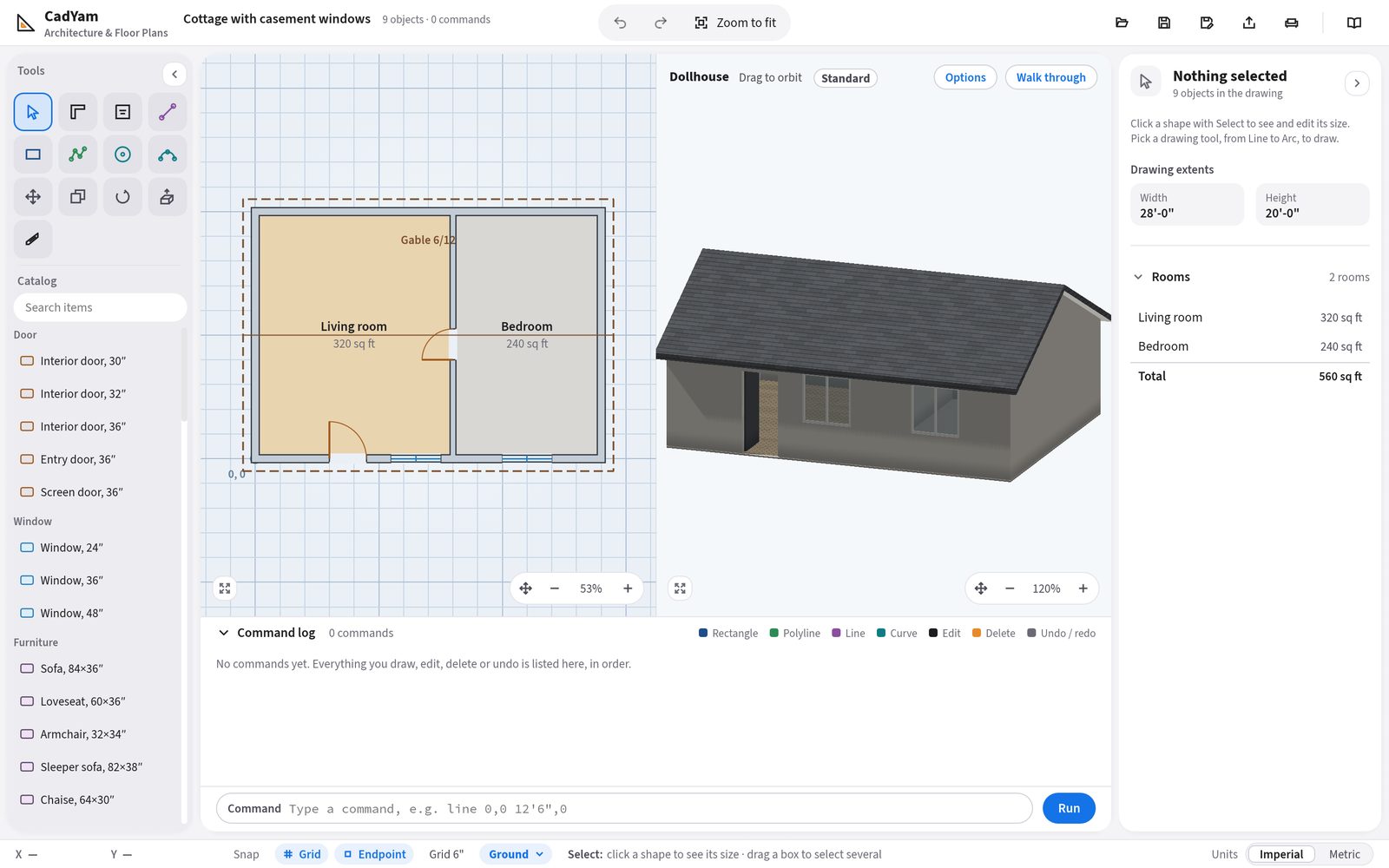
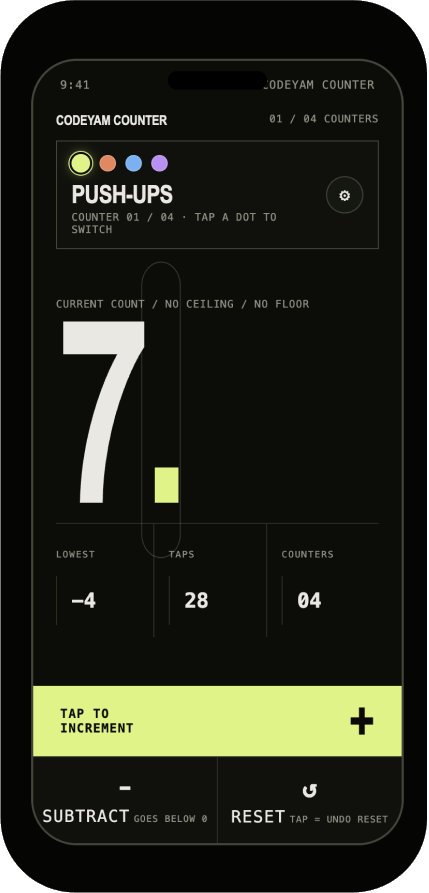
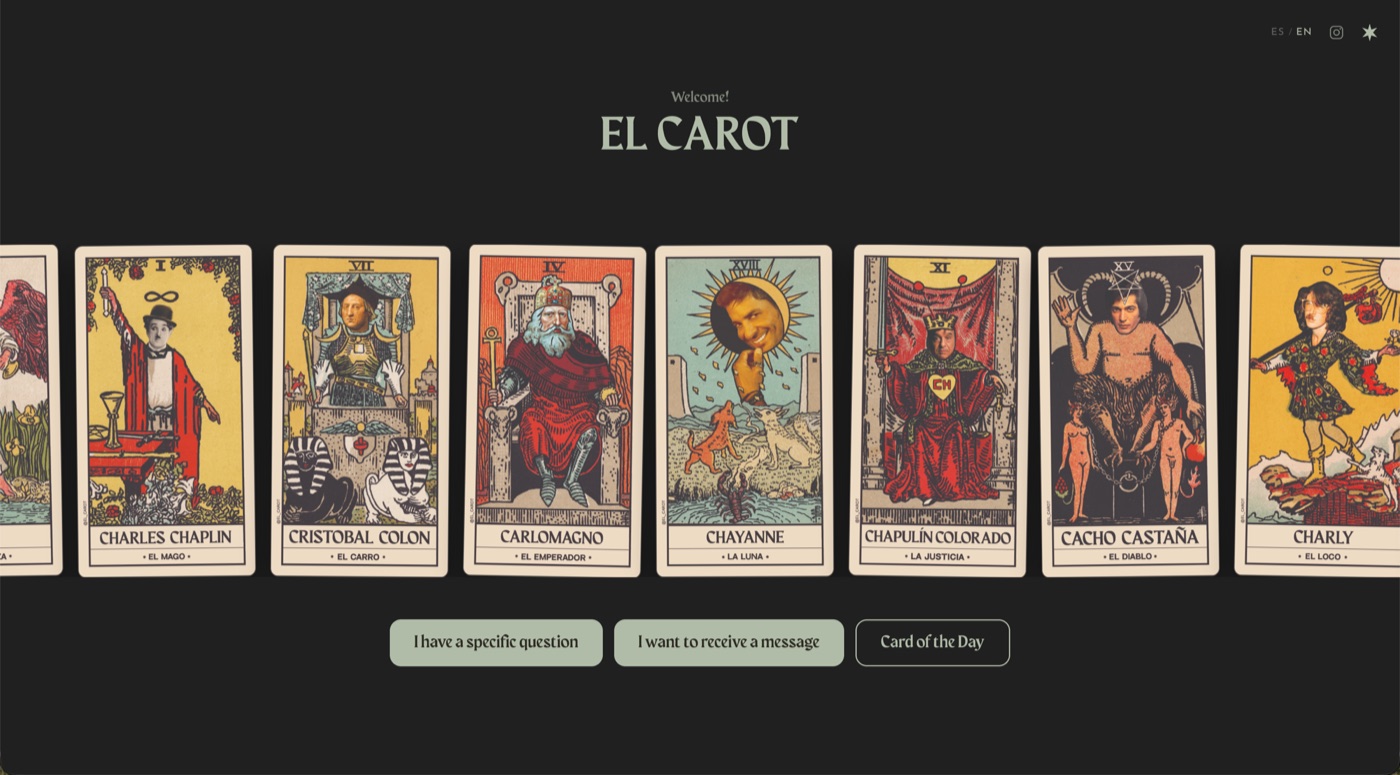
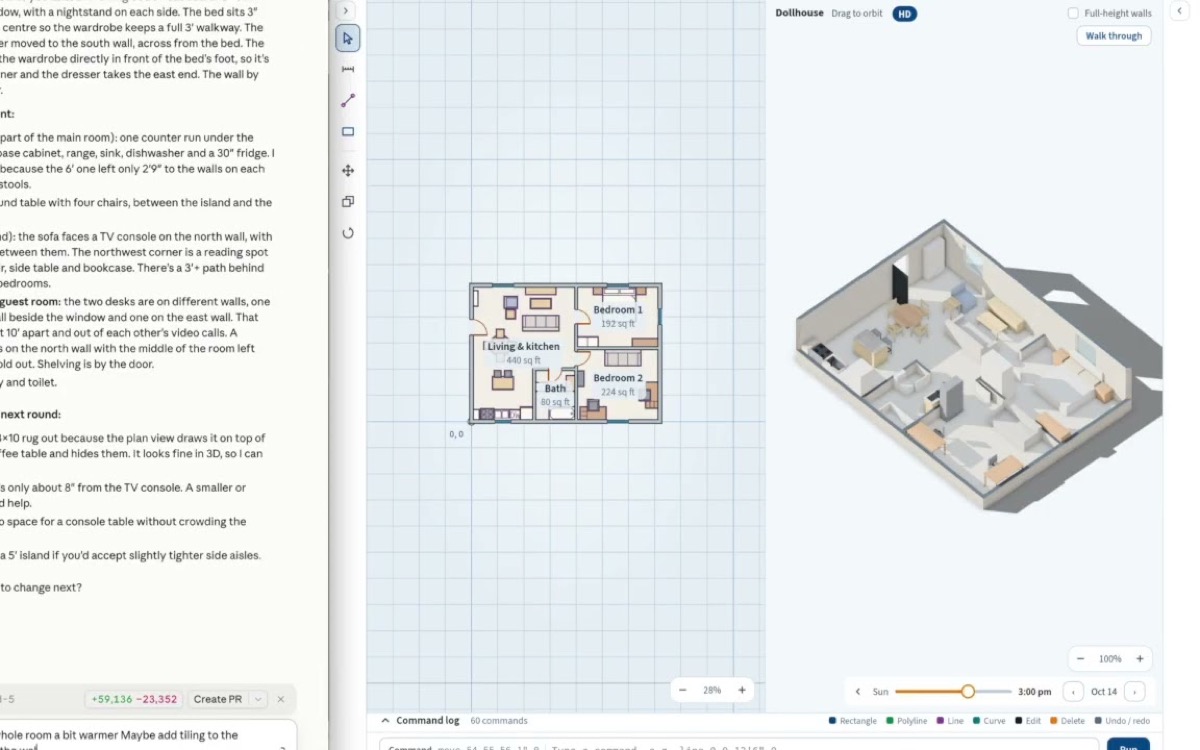
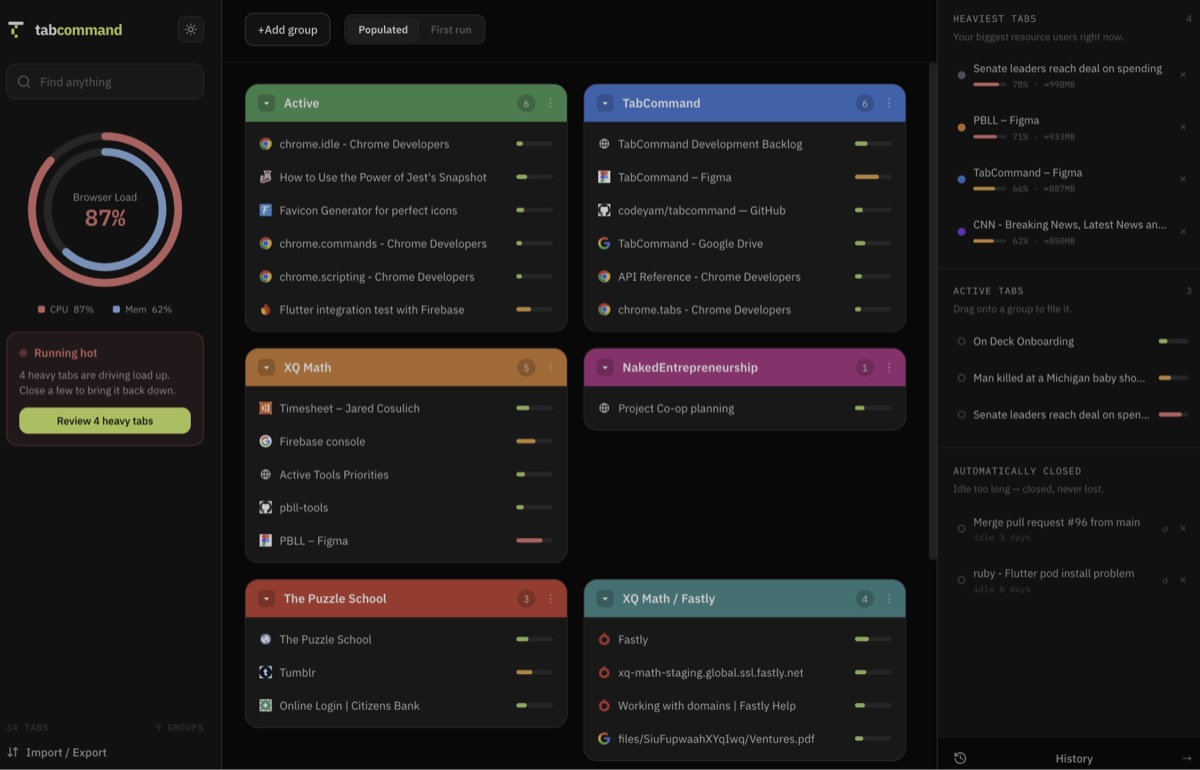
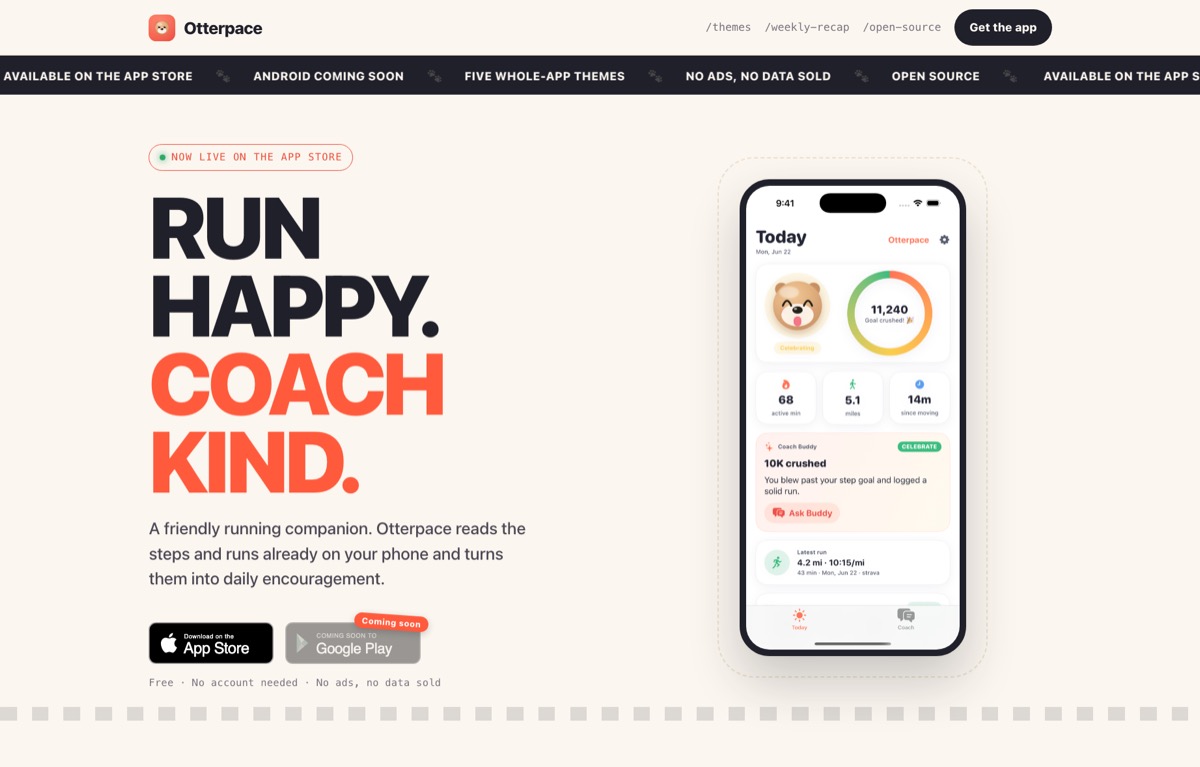
From idea to a shippedapp.website.Chrome extension.mobile app.desktop app.

CodeYam guides your coding agent from the first design to the final push, and captures every state of your app as it builds.

Build creative, custom and complex apps
with the agent you already use.

HomeBuildPlan
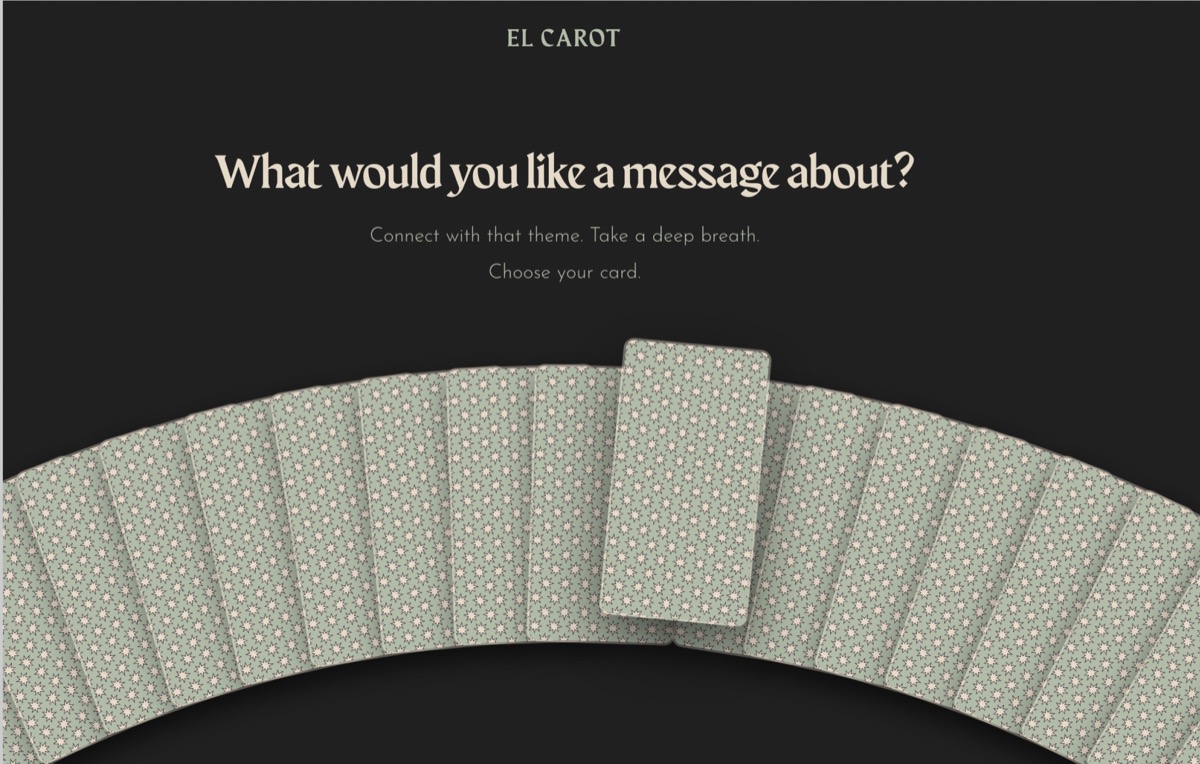
El Carot›ReadingsStep 1/28: Plan ⌄
Reply, or ask for changes…
+Drop or paste files here too↑
1280 × 720

Services

Want us to build it with you?

Our design and engineering team runs product workshops, sets your team up in CodeYam, or builds your custom app end to end.

How CodeYam works

CodeYam makes your agent check its own work, every time.

Incremental steps, with audits along the way, so you can trust what is built.

Read more about our development philosophy →
  1. 01–04
    Plan
  2. 05–10
    Prototype
  3. 11–16
    Structure
  4. 17–20
    Scenarios
  5. 21–28
    Ship

Design

Make it look like yours, not a template.

Explore design directions, compare versions side by side and keep iterating until it’s beautiful and unmistakably yours.

Learn more about design →

Install CodeYam for free and start building

Try CodeYam in your browser

Free, nothing to install, ready in a few minutes.

Launch in GitHub Codespaces ↗ Needs a free GitHub account
  1. 1Click Create codespace
  2. 2Wait while it sets itself up
  3. 3Open CodeYam when the terminal says it’s ready
CODEYAM ACADEMY CLASS OF 2026

First time building an app? We’ve got you.

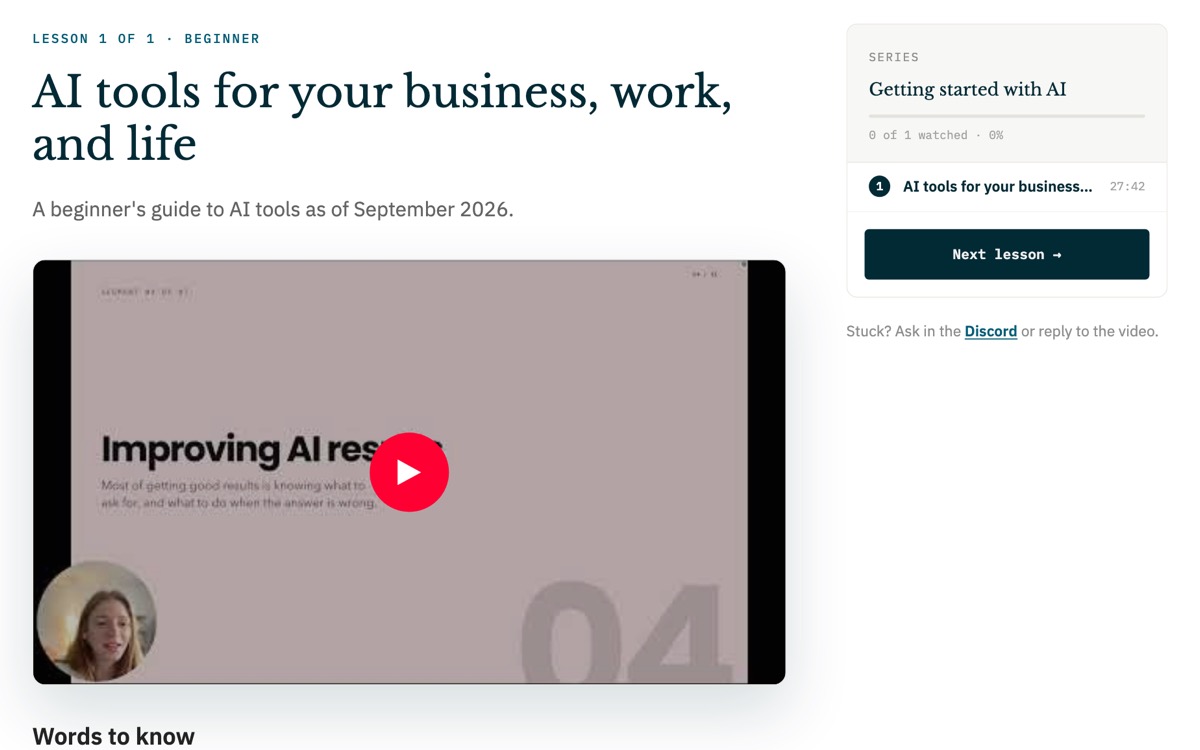
Start with free, bite-sized lessons on how to design and build an app with AI.

Frequently asked questions

Start building

Full access to the editor, simulations and the multi-step workflow.

Self-serve

Install it or launch it in your browser, and start building.

Get CodeYam →

Guided onboarding

We set you and your team up, step by step.

Contact us →

Built for you

Our team designs and builds your app.

See our services →