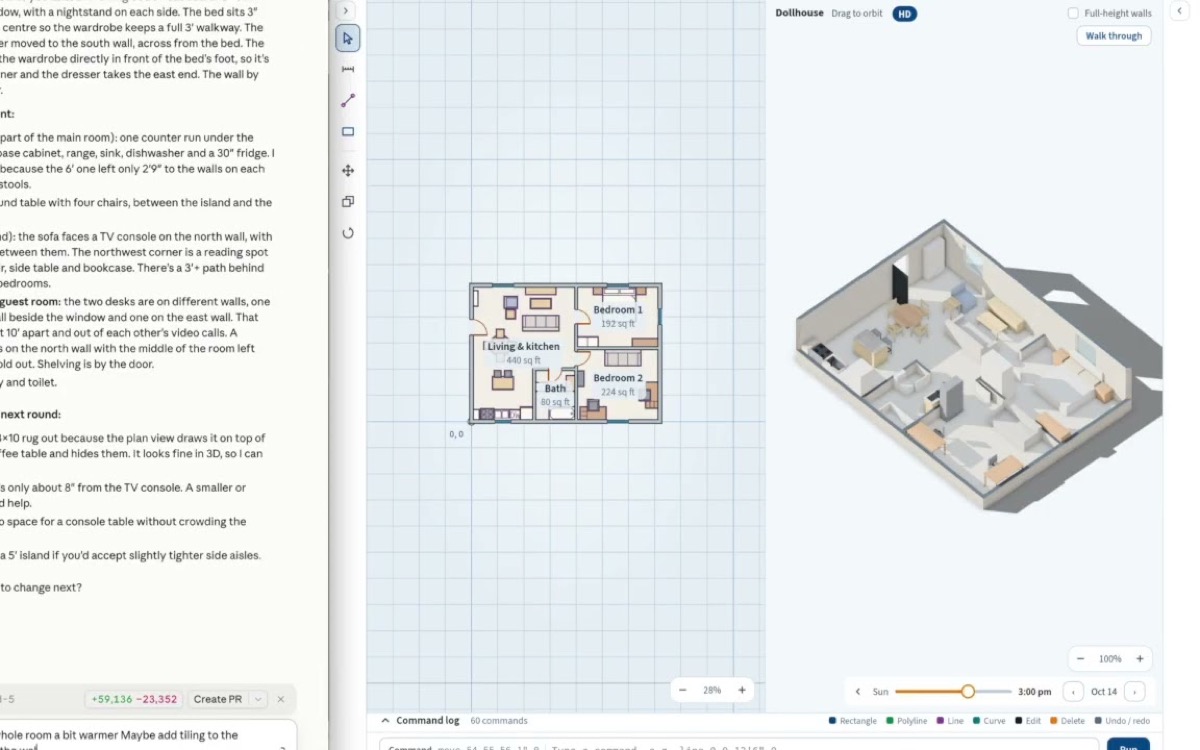
CodeYam guides your coding agent from the first design to the final push, and captures every state of your app as it builds.

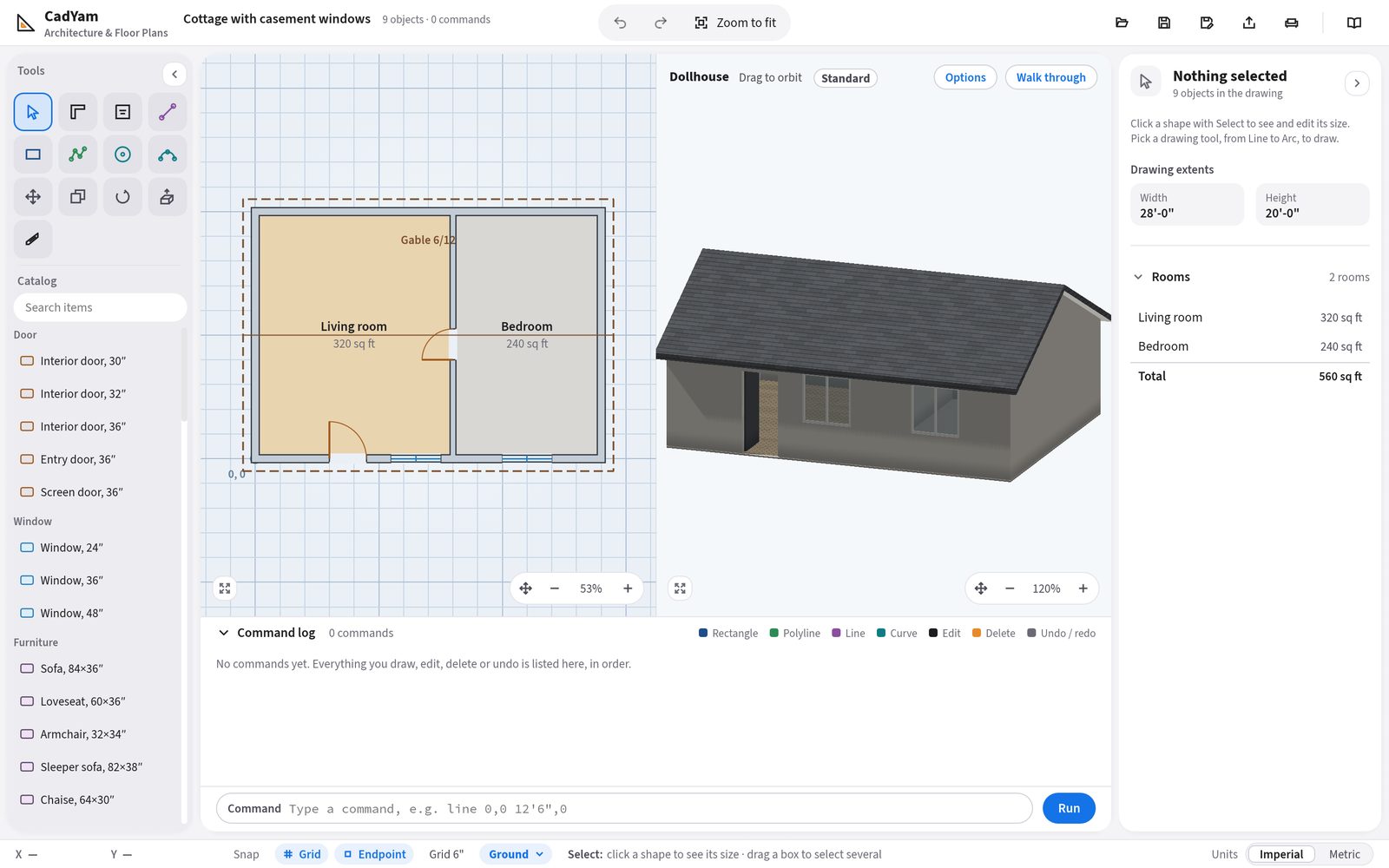
Plan rooms and floor plans in 2D and 3D by chatting with AI.
Read more →
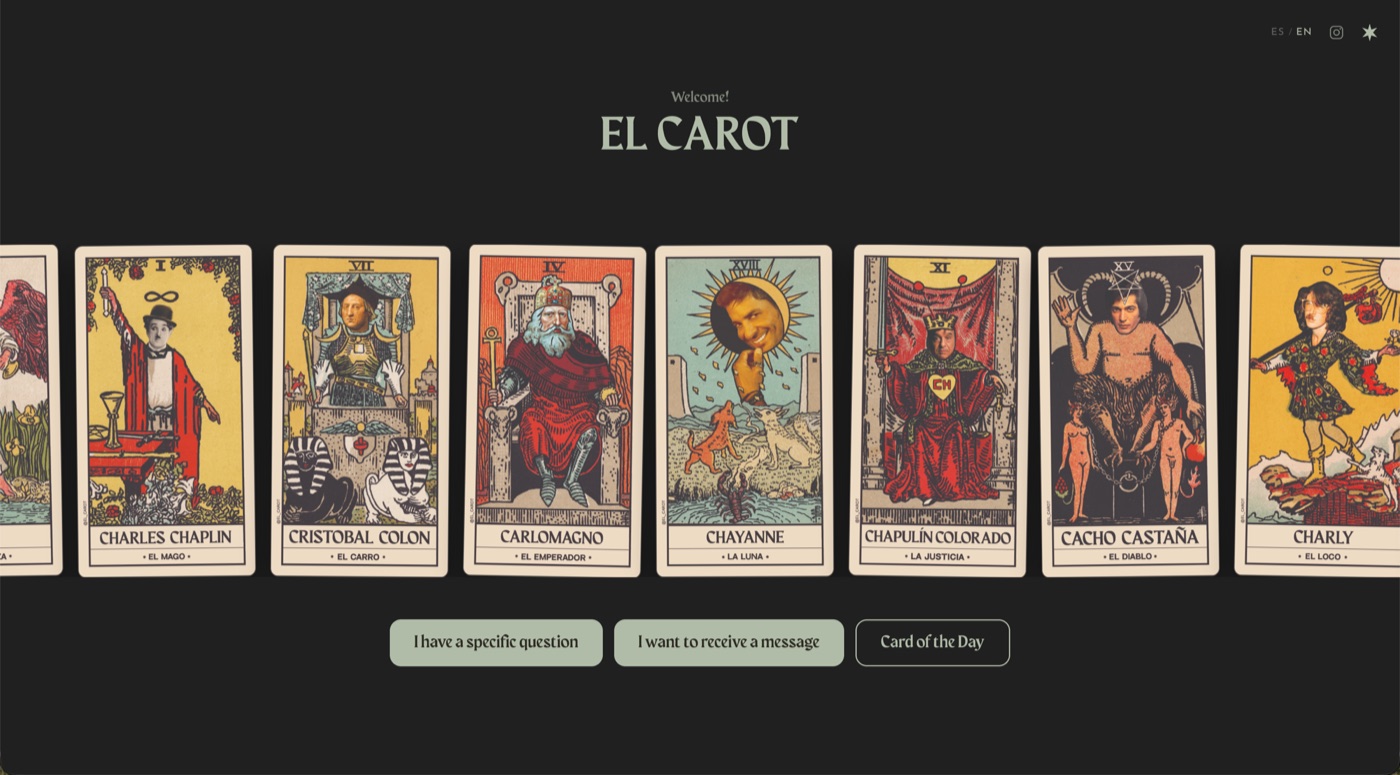
Tarot readings in Spanish and English, with an original deck called El Carot.
Read more →
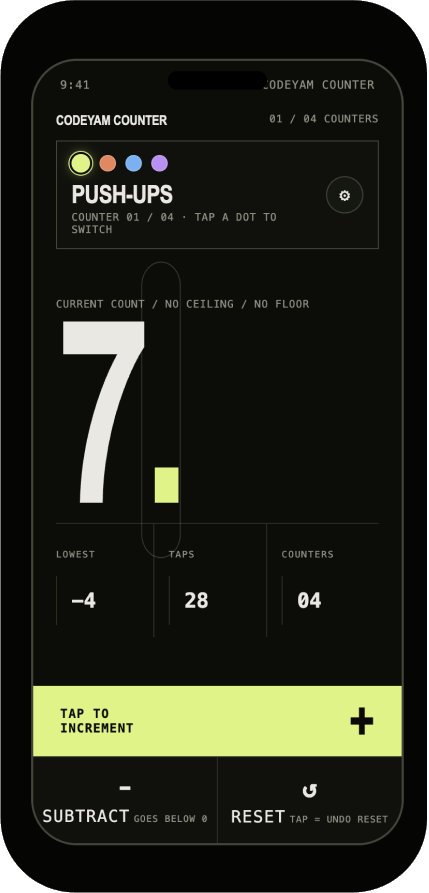
A minimalist multi-counter for reps, sets and anything you count.
Read more →
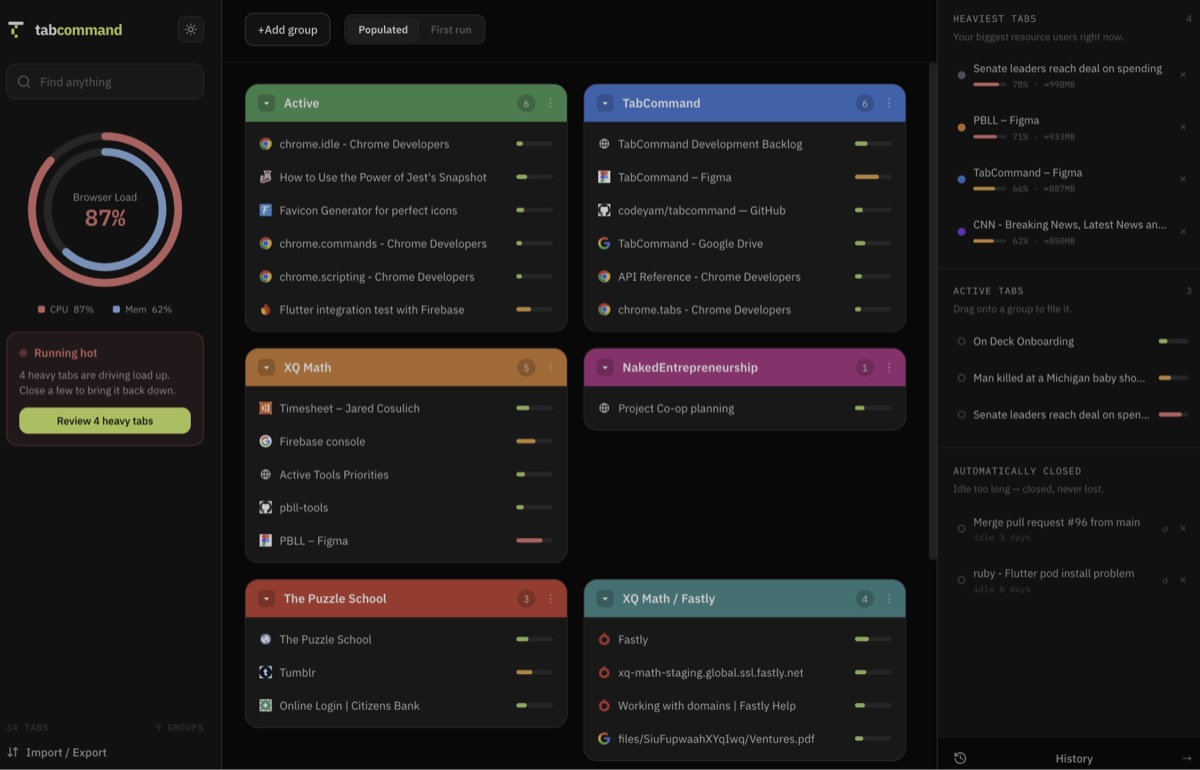
Organizes your open tabs into named groups you can save, search and reopen.
Read more →
Free, friendly lessons on building your own software with AI.
Open the Academy →
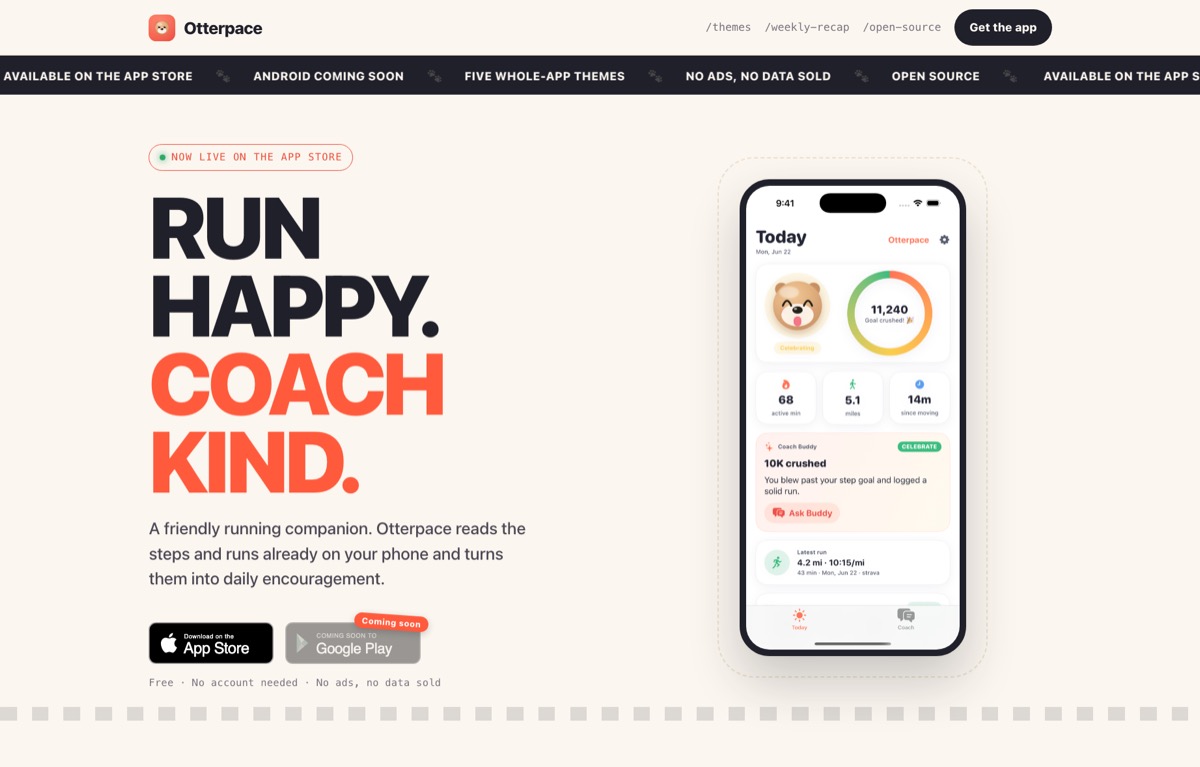
An iPhone running coach that plans your runs and keeps you motivated.
Visit the website ↗Services
Our design and engineering team runs product workshops, sets your team up in CodeYam, or builds your custom app end to end.
How CodeYam works
Incremental steps, with audits along the way, so you can trust what is built.
Design
Explore design directions, compare versions side by side and keep iterating until it’s beautiful and unmistakably yours.
Learn more about design →No terminal needed. One extension adds CodeYam to Claude.
For Mac or Windows. Already have it? Skip this.
Download Claude Desktop ↗One file for Mac, Windows and Linux.
Download the extension ↓Double-click the file and click Install.
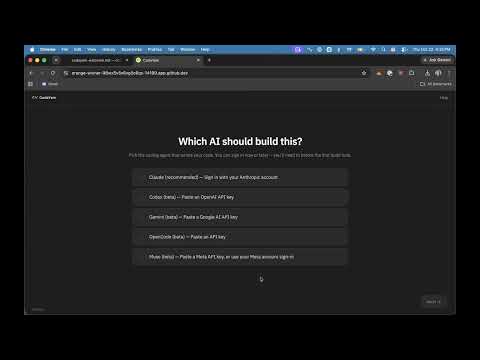
The editor opens in your browser, with a live preview.
Plain words are enough. CodeYam takes it from there.
Free, nothing to install, ready in a few minutes.
Launch in GitHub Codespaces ↗ Needs a free GitHub accountRather not build it yourself? Our team designs and builds your app with CodeYam, start to finish.
See our services → Or write to us at hello@codeyam.comStart with free, bite-sized lessons on how to design and build an app with AI.

What AI tools actually are, how to choose one, and how to get good results, for people who don’t write code.
1 lesson →
Two ways in: the Claude Desktop extension with no terminal at all, or the CLI that runs alongside Claude Code, Codex or Gemini.
5 lessons →
The words people throw at you, like static, hosting, domains and databases, explained in plain English.
2 lessons →Full access to the editor, simulations and the multi-step workflow.